Collections
Collections in the left menu, at spoken.systems/host/dashboard/collections.
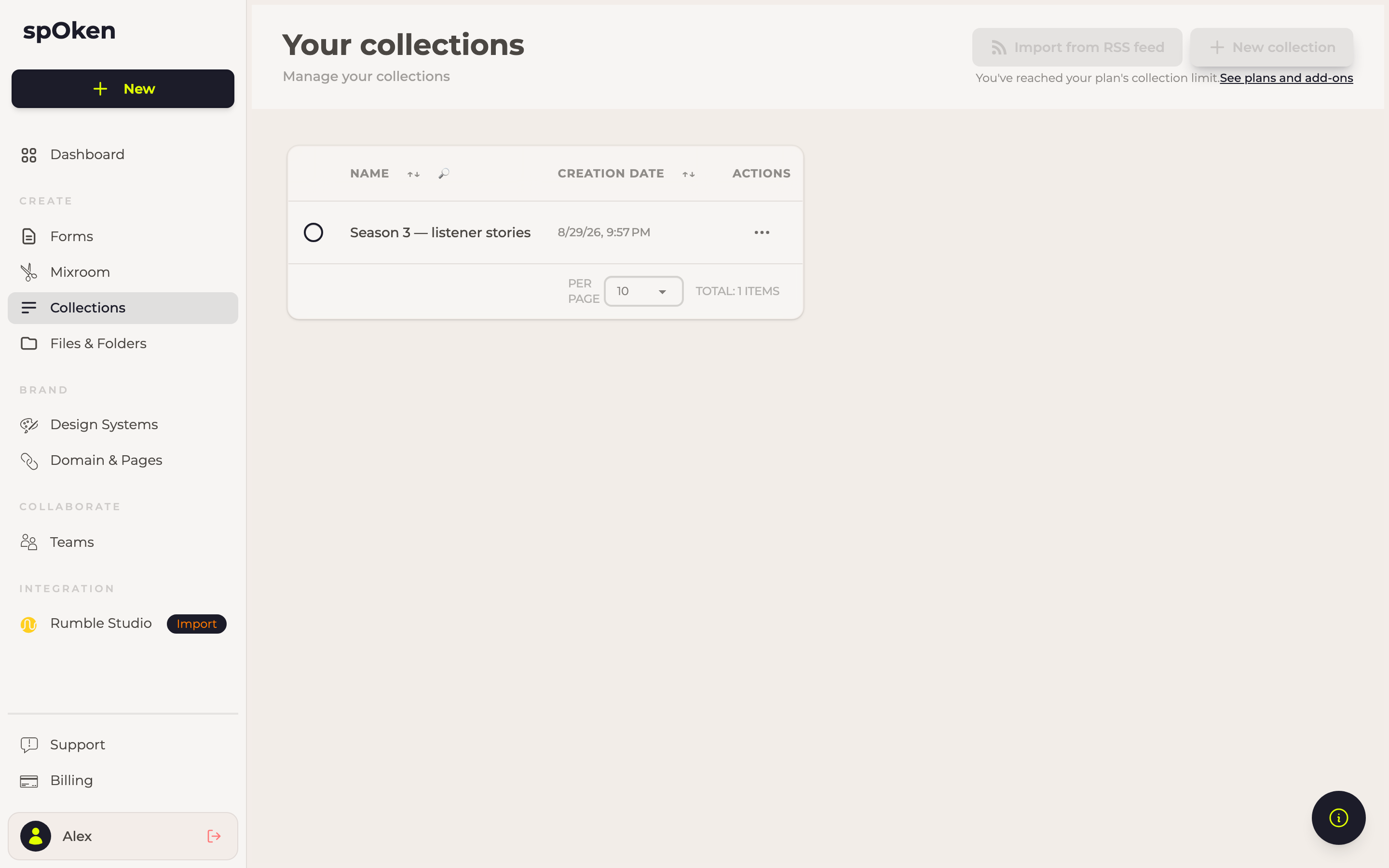
A collection is an ordered group of items you want to present together, with an author and a description of its own. Where a folder is for storing things, a collection is for publishing them: it is the thing a page can point at, and the thing a podcast feed is made of.
The builder
Seven tabs — Details, Theming, Items, Links, Podcast, Statistics and Sharing — with Open page, Open RSS and Share on the right. The title, top left, renames the collection with the pencil.
Details
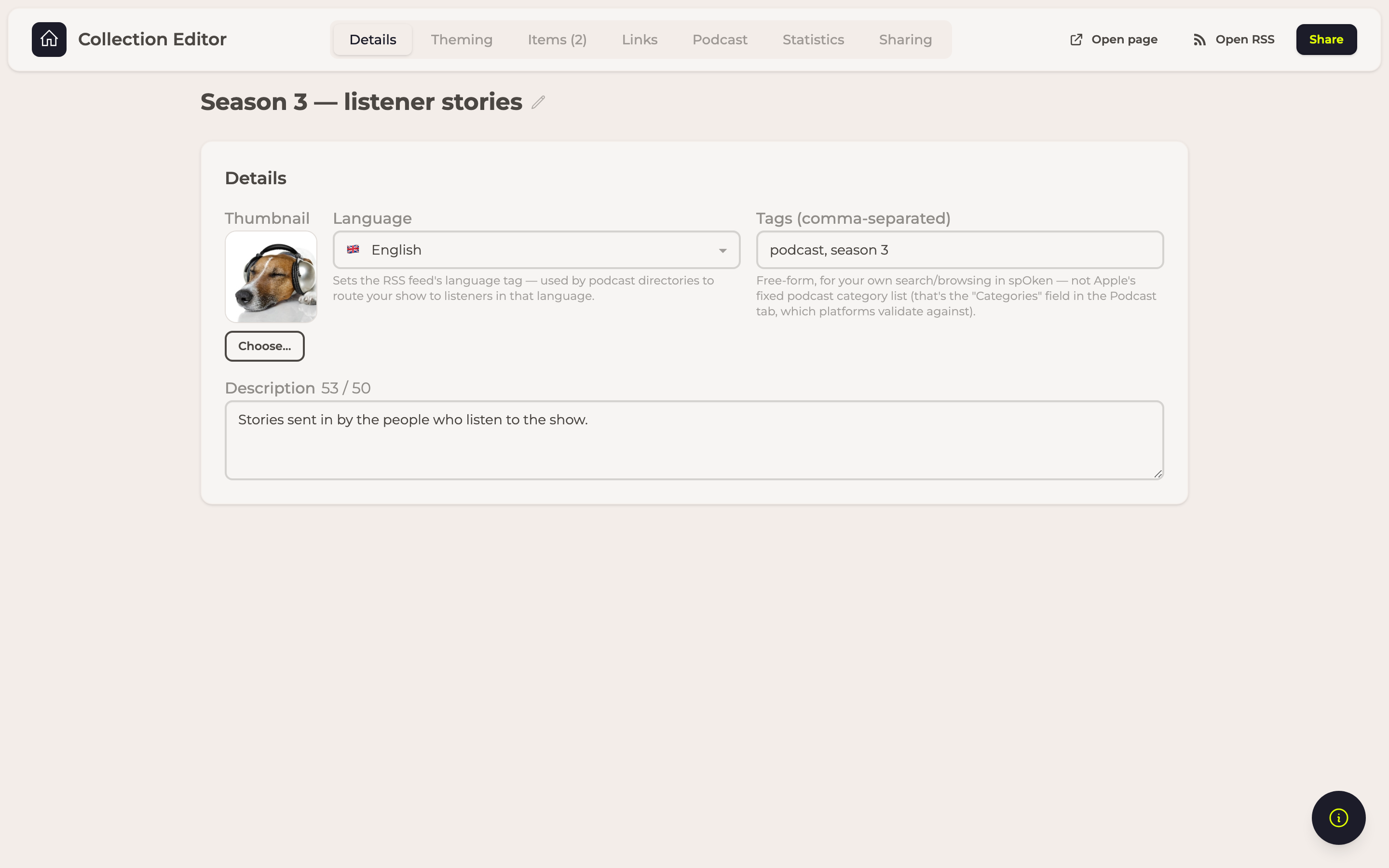
Thumbnail (Choose...) is the artwork, Language the language of the material, Tags a comma-separated list, and Description the text that travels with the collection wherever it is published.
Theming
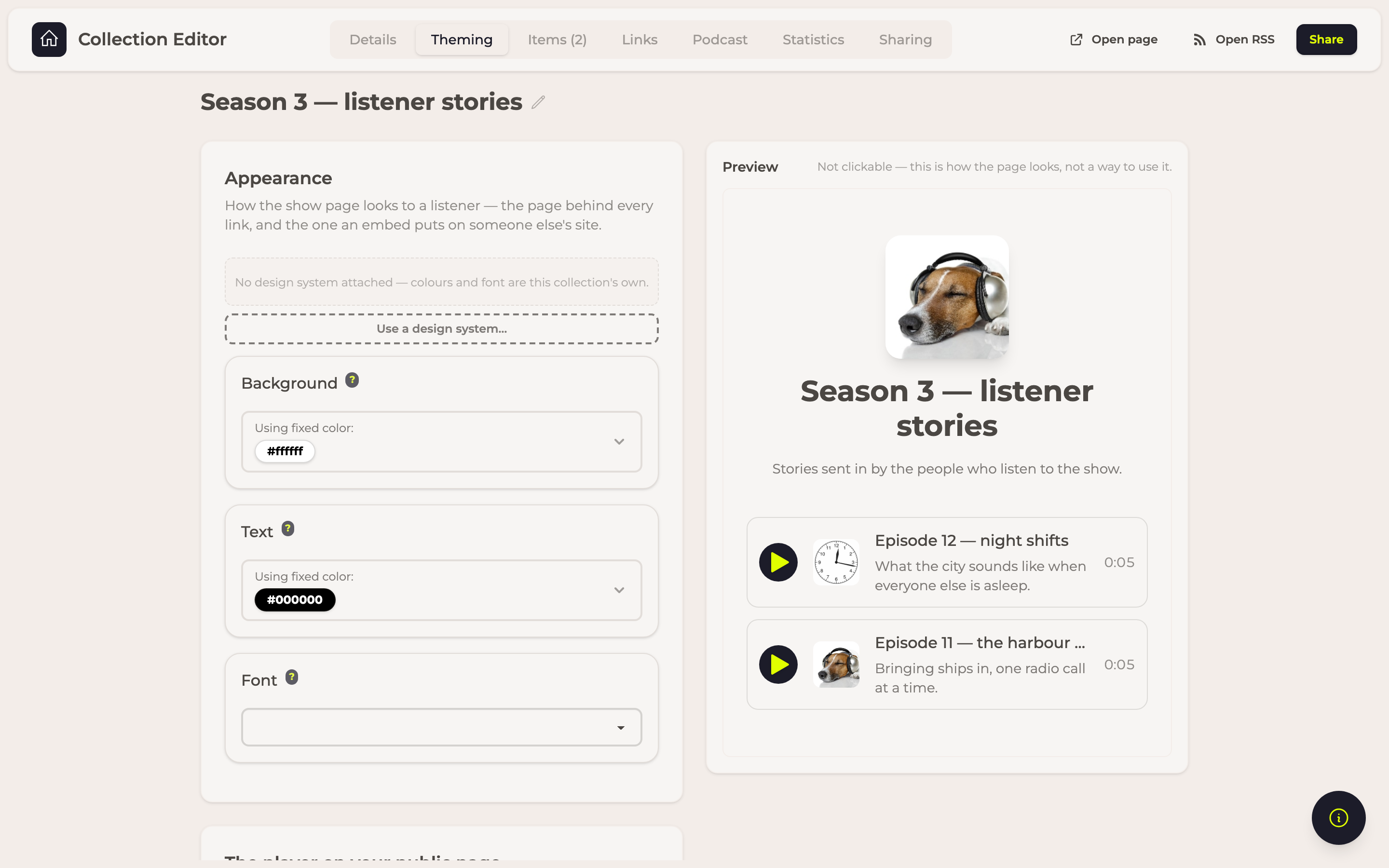
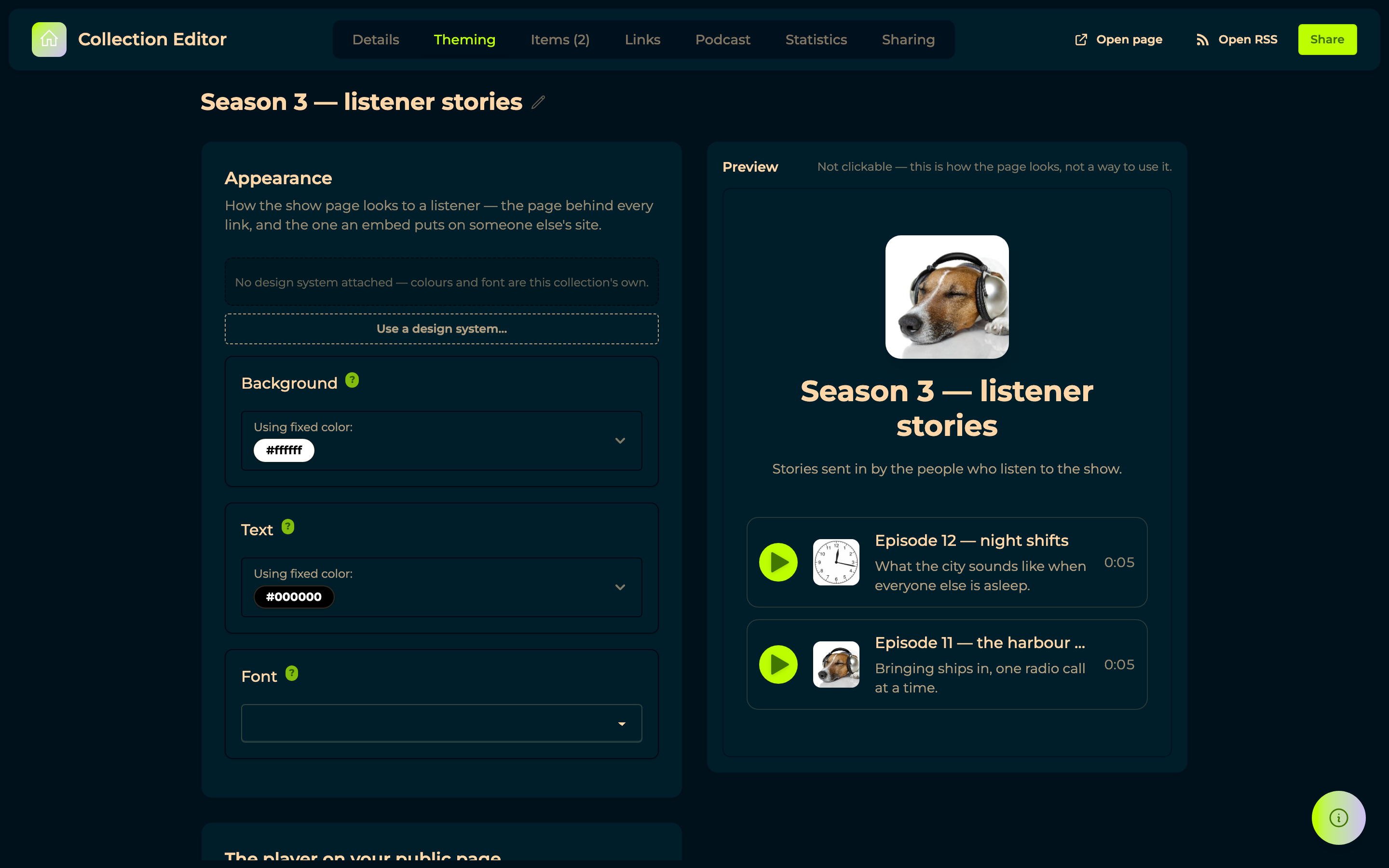
The colours the public page is painted with: Background, and Text for everything written on it. The panel beside them shows the pair together, which is the quickest way to catch a combination nobody can read.
Colors from Design Systems picks the same two colours out of a design system instead, so a collection can match the rest of your material without anyone copying hex codes around.
The player on your public page is what the page puts around each episode: Show episode artwork, Show episode descriptions, Show the waveform in the player, and Show the transcript under each episode. None of them reach podcast apps, which render the show from the feed. The waveform draws the sound of the episode along the progress bar, so a listener can see where the quiet and the loud parts are.
The transcript only appears for episodes that have been transcribed, and listeners open it themselves rather than finding a wall of text under every row. It is served through the same link as the audio, so withdrawing a link takes the words with it.
It follows the audio while the episode plays: the line being spoken is marked, the lines still to come are dimmed, and clicking any line plays from there — on an episode that is not playing, it starts that one at that moment. Each line shows its timestamp.
All of this travels with the show page wherever it is opened — through a link, or embedded in someone else's site.
Items
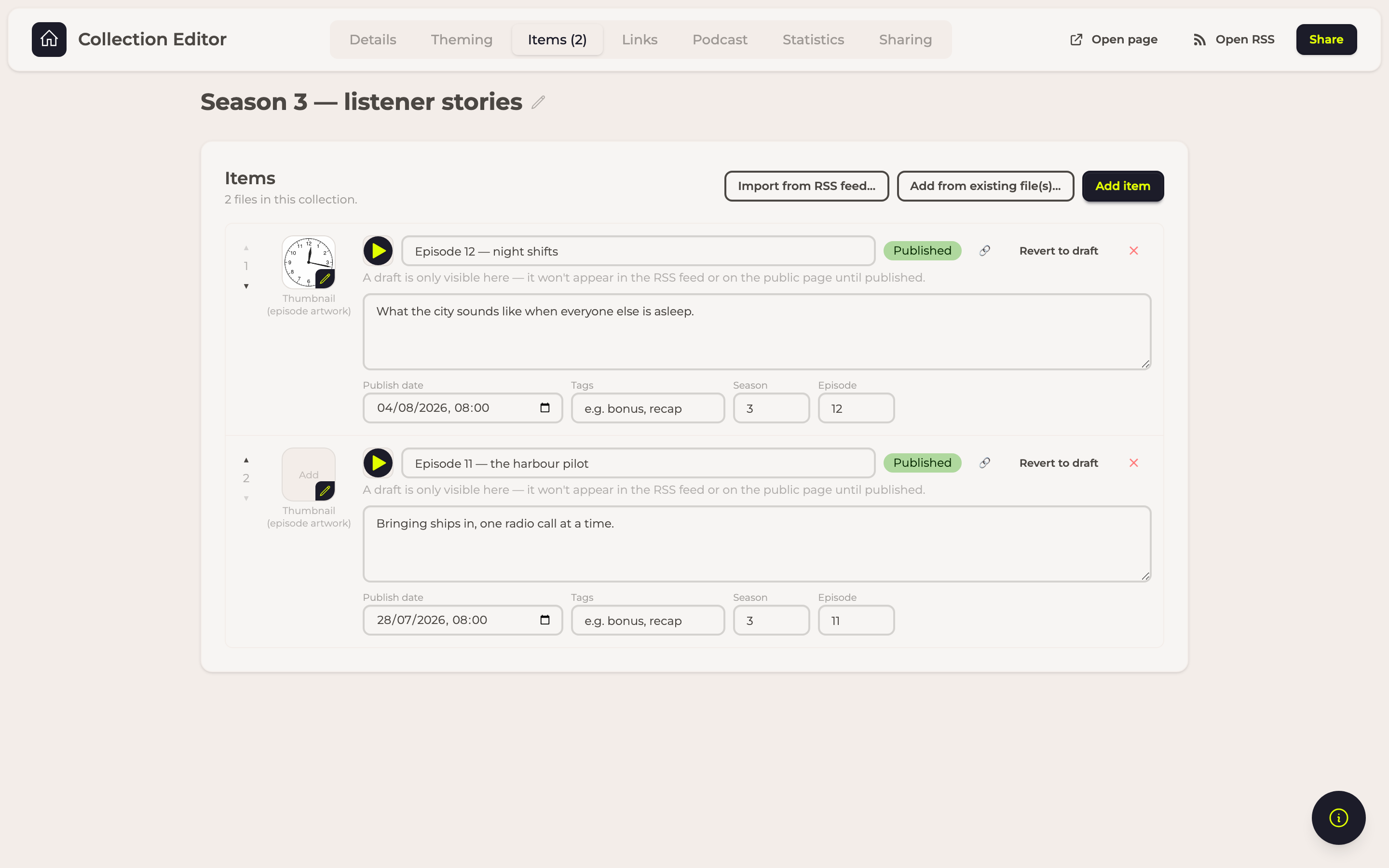
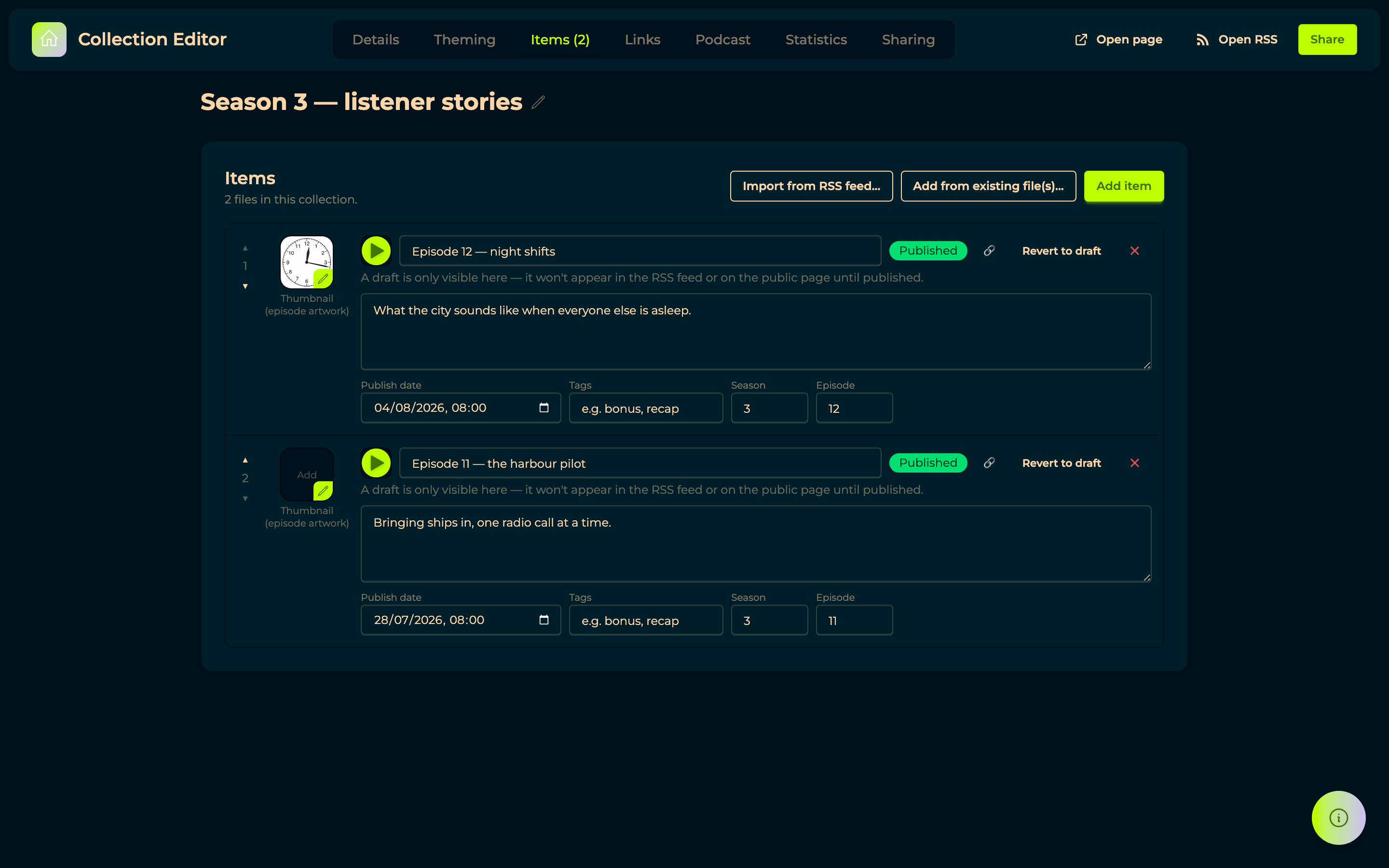
Three ways to add: Add item creates an empty one, Add from existing file(s)... takes them from your files, and Import from RSS feed... pulls in a show that already exists somewhere else — the way to move a podcast to spOken without re-uploading it.
Each item carries its own Thumbnail (episode artwork), title, description, Publish date, Tags, Season and Episode. The arrows on the left reorder it; the × removes it.
An item is Published or a draft, and that is decided by the publish date alone: at or before now, it is out; in the future, it is scheduled. Revert to draft takes it back. A draft is visible only here — never in the feed, never on the public page.
Links
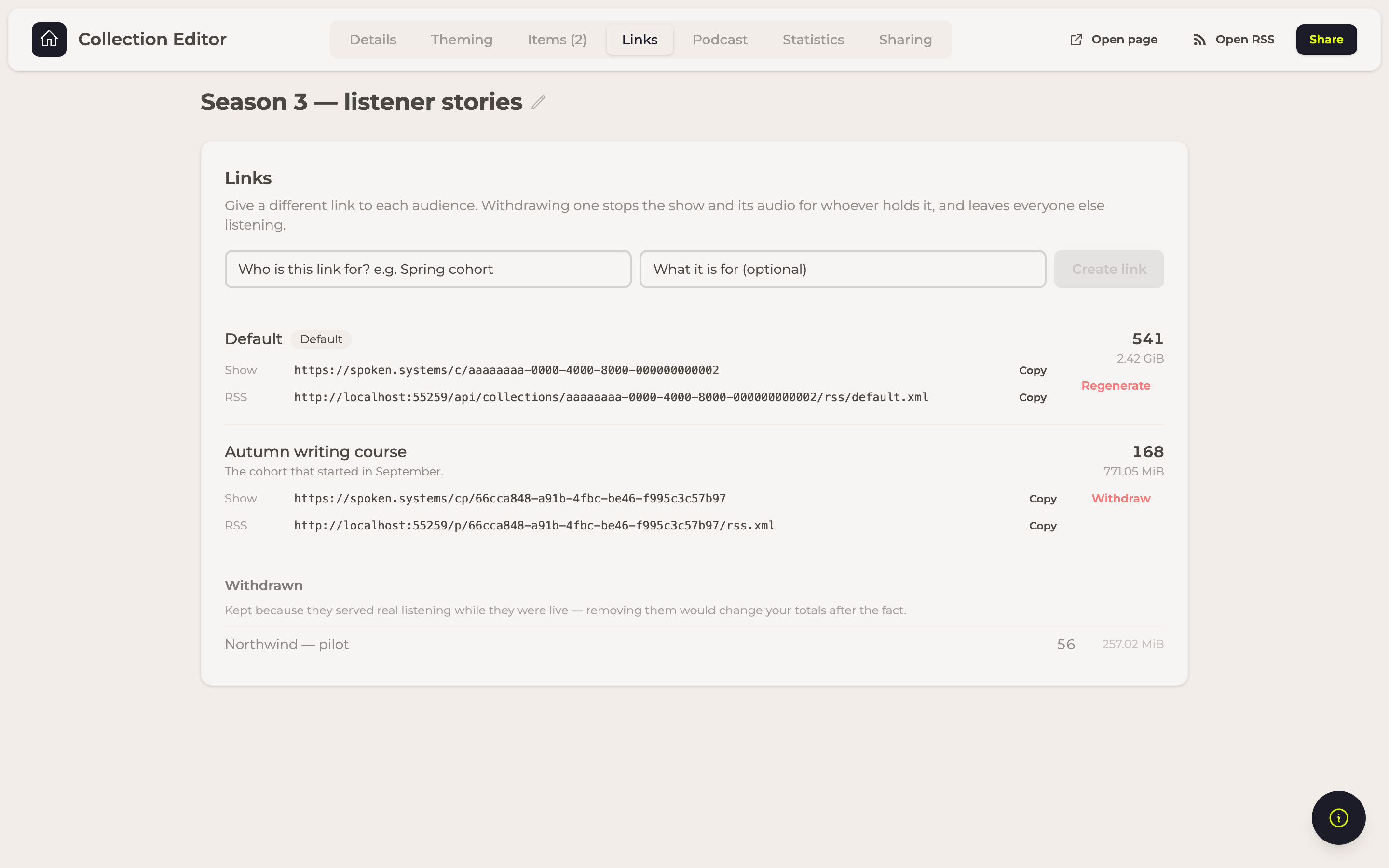
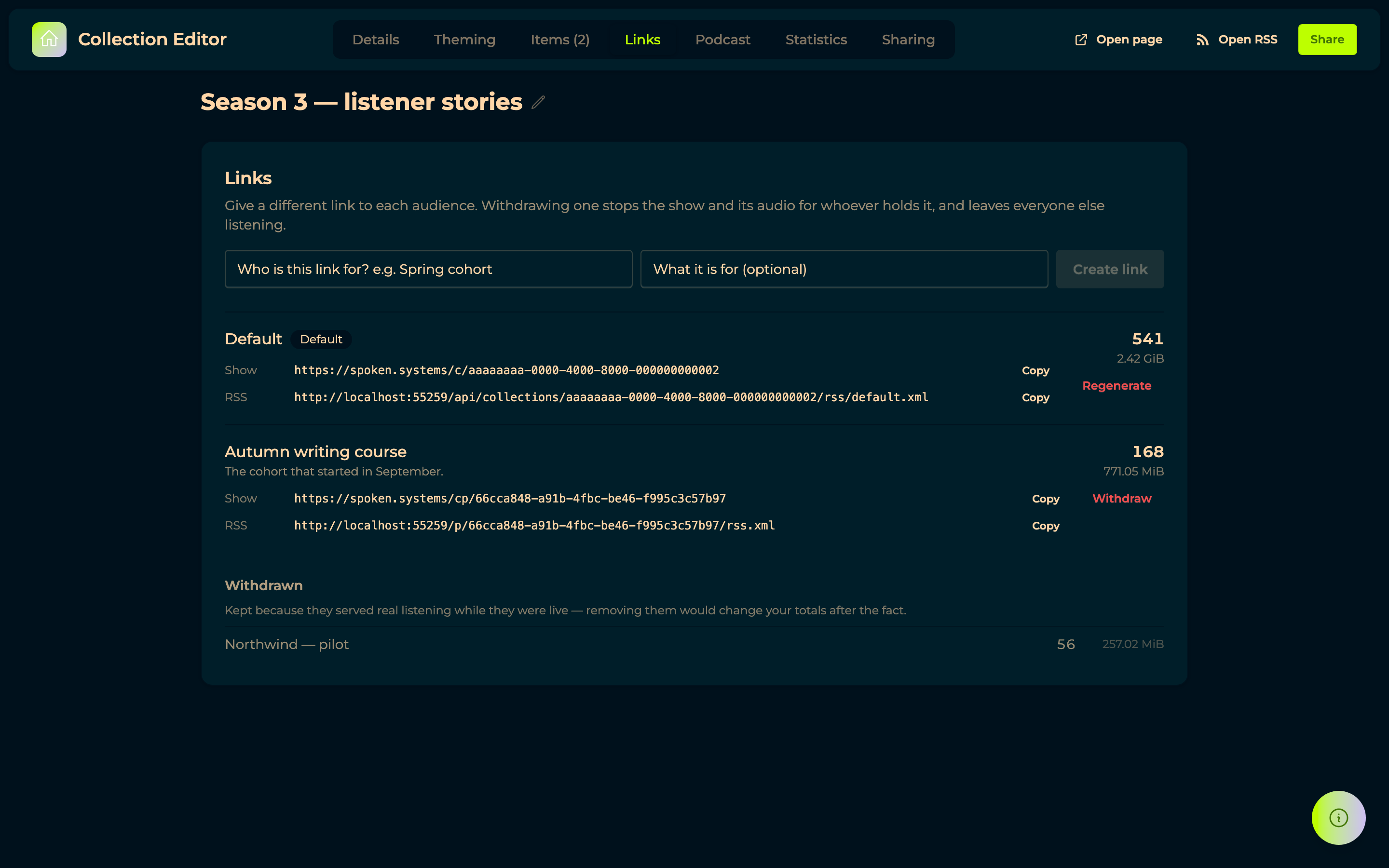
Every address the collection can be reached through, and what each one served.
The first row is the collection's own page, marked Default: its Show address is the
/c/{id} one, the address people already have, and its RSS address is the collection's own
/api/collections/{id}/rss/default.xml. Create link adds another — name it after the audience it
is for, a cohort or a client — and it gets its own /cp/{link} page and its own /p/{link}/rss.xml
feed instead. RSS rows only appear when the collection is published as a podcast.
Whichever address a listener came through, the episode audio and its transcript go through that link's own proxies. That is why withdrawing a link stops its audio rather than only its feed.
Only the audio counts towards downloads and bandwidth. A transcript travels the same link so that withdrawing it takes the words too, but reading one is not listening to a show: a page that displays transcripts under every episode would otherwise register a download for each of them before anyone pressed play.
Beside each row are the downloads and the bandwidth it accounted for, so deciding whether to withdraw a link is answered by what it actually served. Withdraw stops that link alone: its page, its episode list and its audio all stop working, and every other link keeps going. Withdrawn links stay listed with their numbers — they served real listening while they were live, and dropping them would change your totals after the fact.
The default link is Regenerate rather than Withdraw, because a collection always needs one:
the /c/{id} page and the canonical feed both serve through it. Its /c/{id} address never
changes. Regenerating replaces what sits behind it — the feed address and every episode audio URL
handed out through it stop working, and fresh ones are issued under the same name. It is the only
way to cut off an episode URL that leaked from the default link.
Podcast
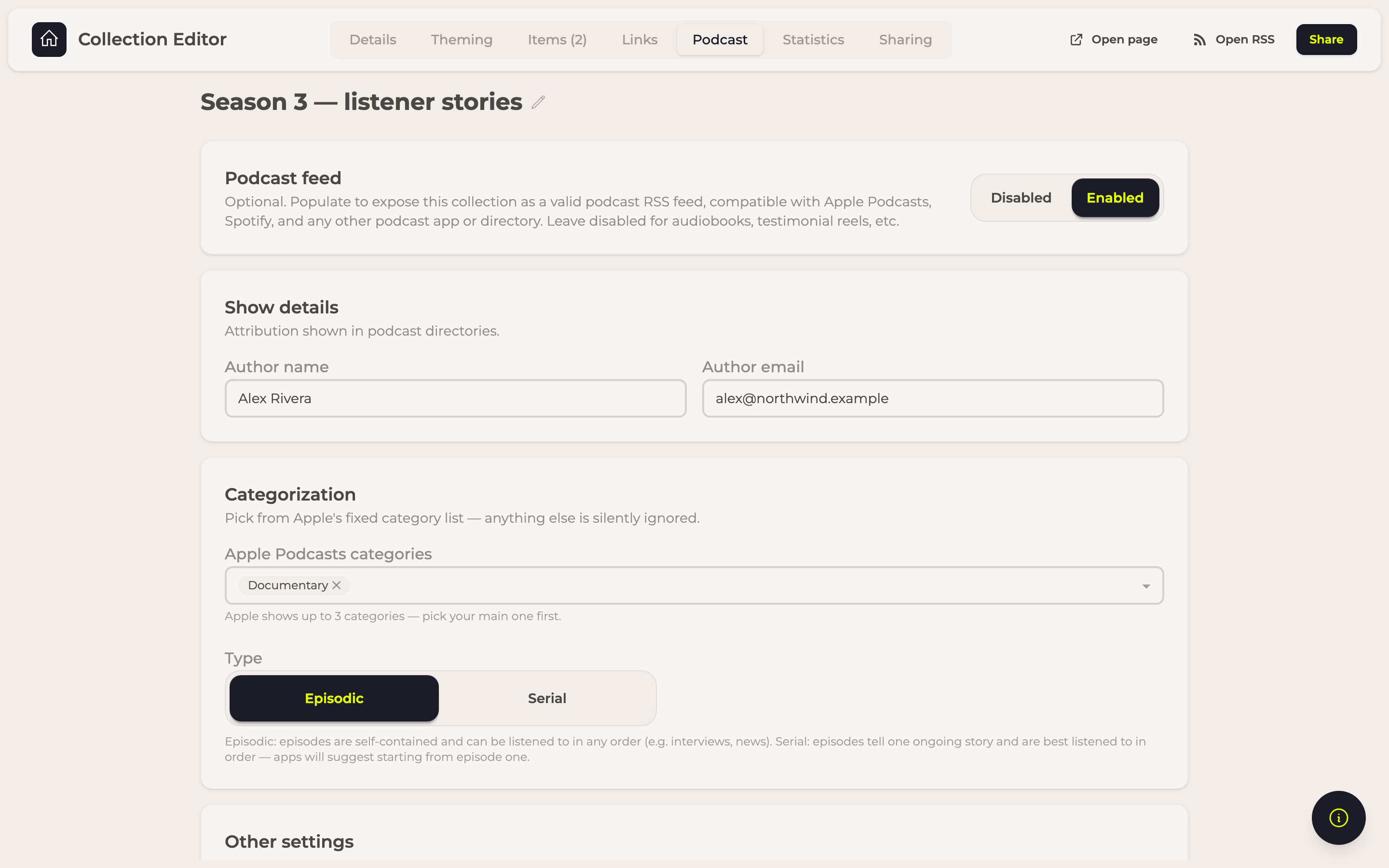
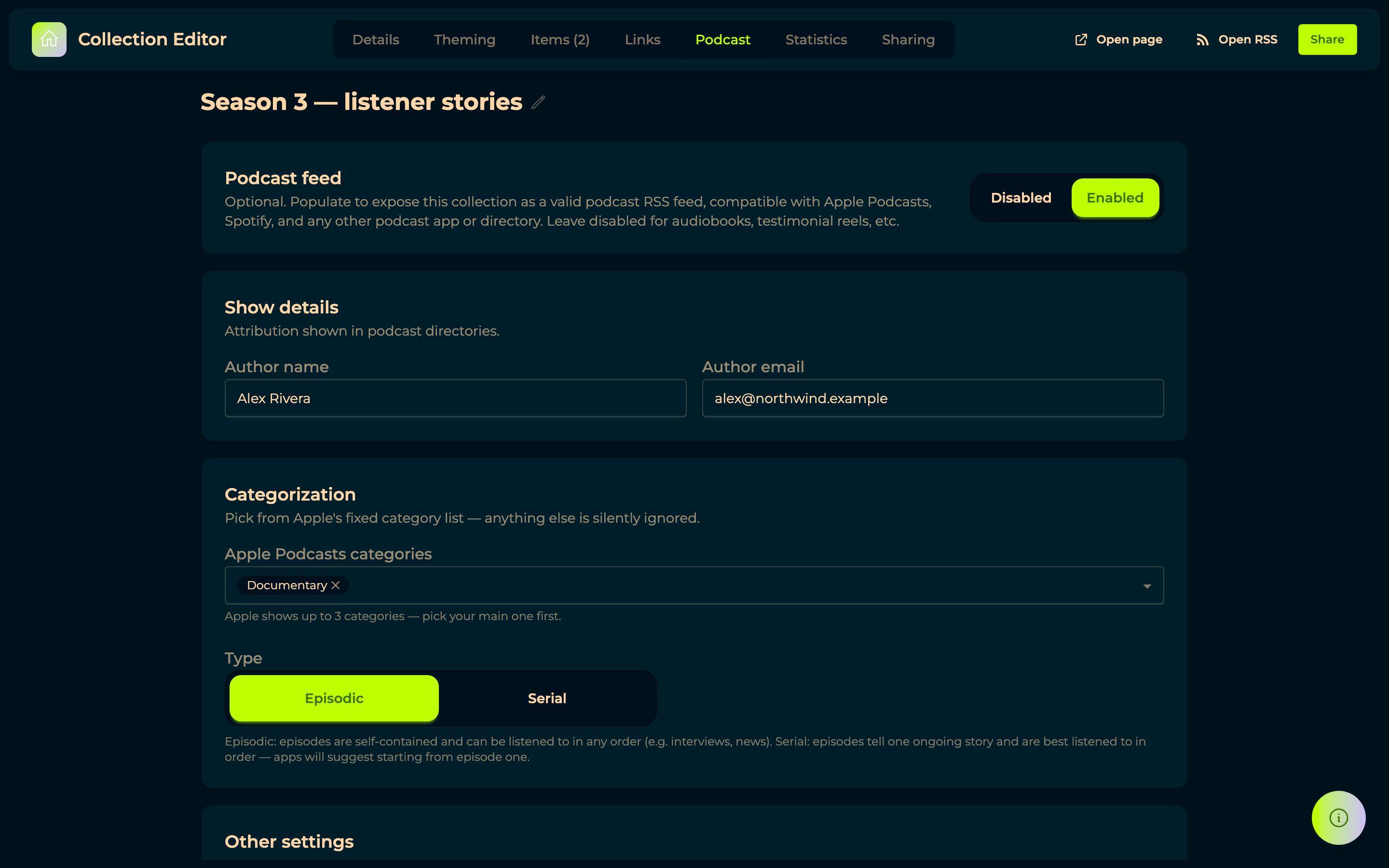
The Podcast feed switch (Enabled / Disabled) is what turns a collection into a proper podcast. Left off, the collection still serves a plain RSS 2.0 feed — right for an audiobook or a reel of testimonials, which are not shows.
Turned on, it adds what the directories require: Author name and Author email, Apple Podcasts categories, Type (Episodic or Serial), Explicit content, and Unlocked, which allows other podcast hosts to import your feed — the switch to open while you are migrating a show, and close once it has settled.
Type decides more than a line in the feed: a Serial show starts at its first episode and an Episodic one leads with the newest, both in a podcast app and on your public page. The arrows in the Items tab still decide the order of episodes that share a publish date.
What a visitor sees rather than what a podcast app reads now lives in Theming.
Switching Podcast off stops the feed entirely: the address answers "not found" rather than
serving a plain list of the same episodes, and the RSS rows disappear from Links. The show
page is unaffected — /c/ and /cp/ still play everything. Your settings are kept, so switching it
back on restores the feed as it was.
If the show does not yet meet Apple Podcasts' requirements, the tab says so and Show details lists what is missing, before a directory rejects it rather than after.
Statistics
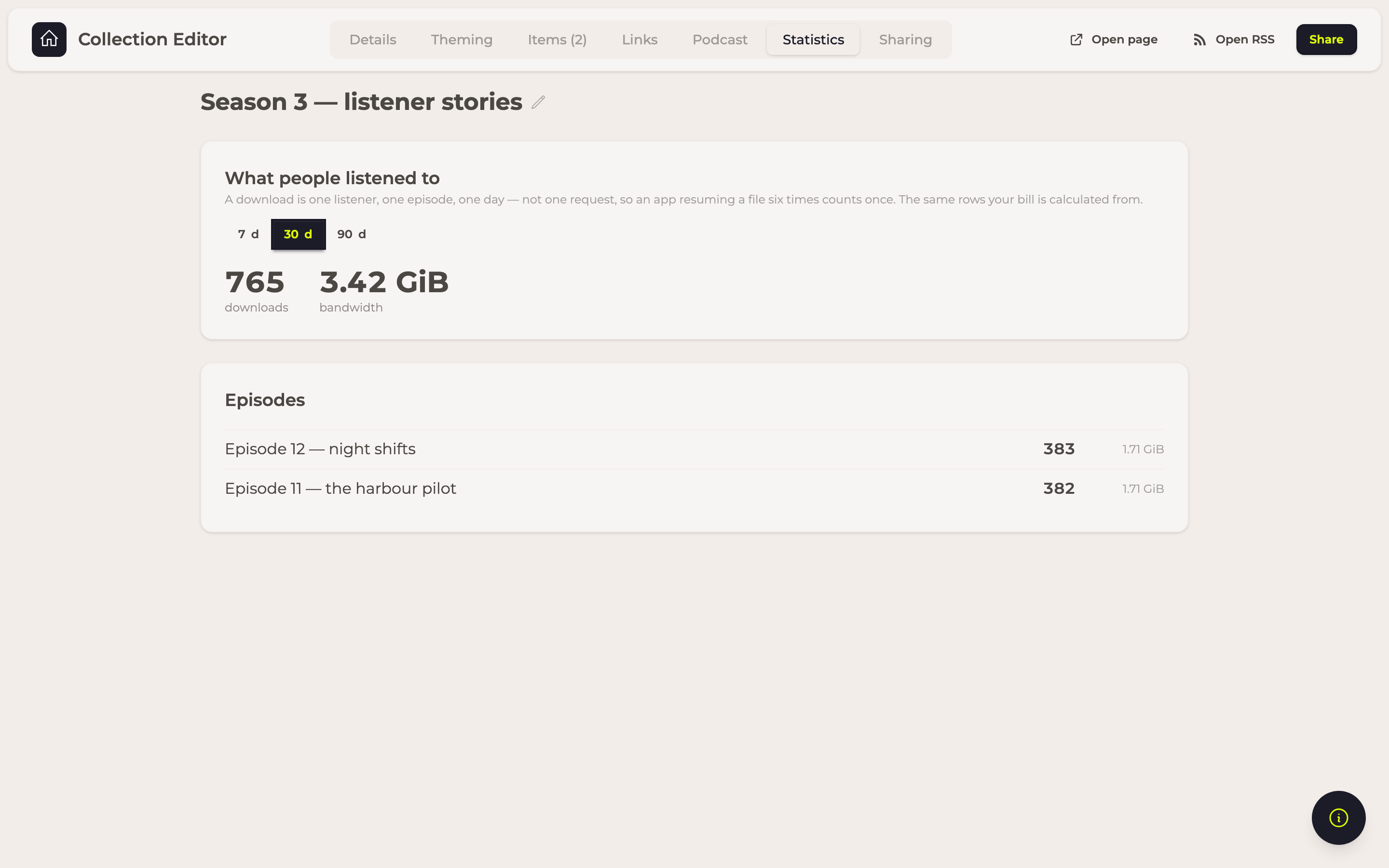
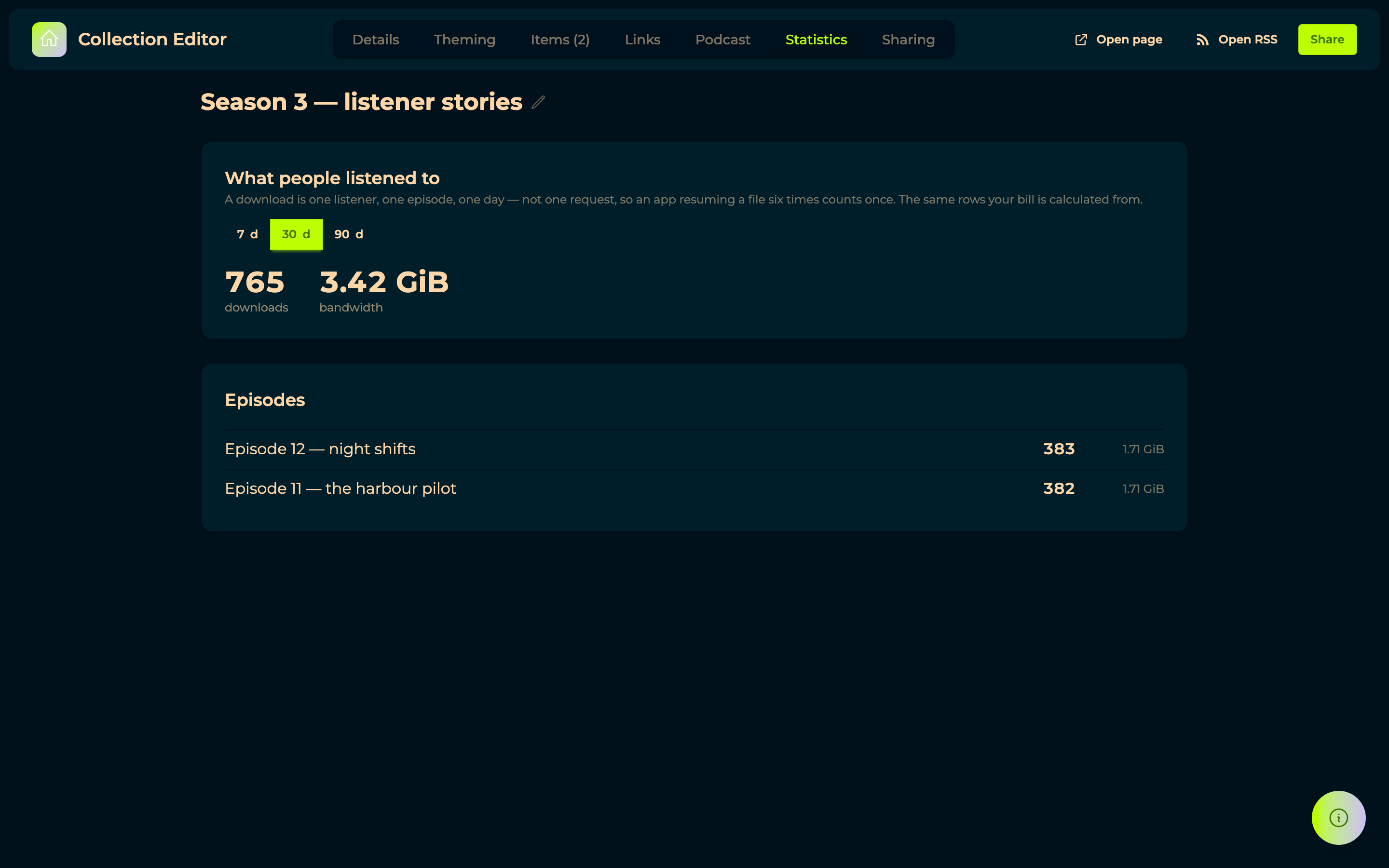
Downloads and bandwidth over the last 7, 30 or 90 days, and the same broken down per episode. A download here is one listener, one episode, one day — not one request — so a podcast app resuming a file six times counts once. These are the rows your bill is calculated from, so the numbers here and the numbers on an invoice cannot disagree.
The public page


Everything published, as one show. Pressing an episode plays it in the player at the bottom of the window — speed, volume, skip and a waveform — and when it ends the next one follows, so a course split into short clips runs through without anyone touching anything. Nothing plays until a visitor asks it to.
The episodes are listed in the show's own order (see Type above), and the one playing is marked while it plays.
Sharing
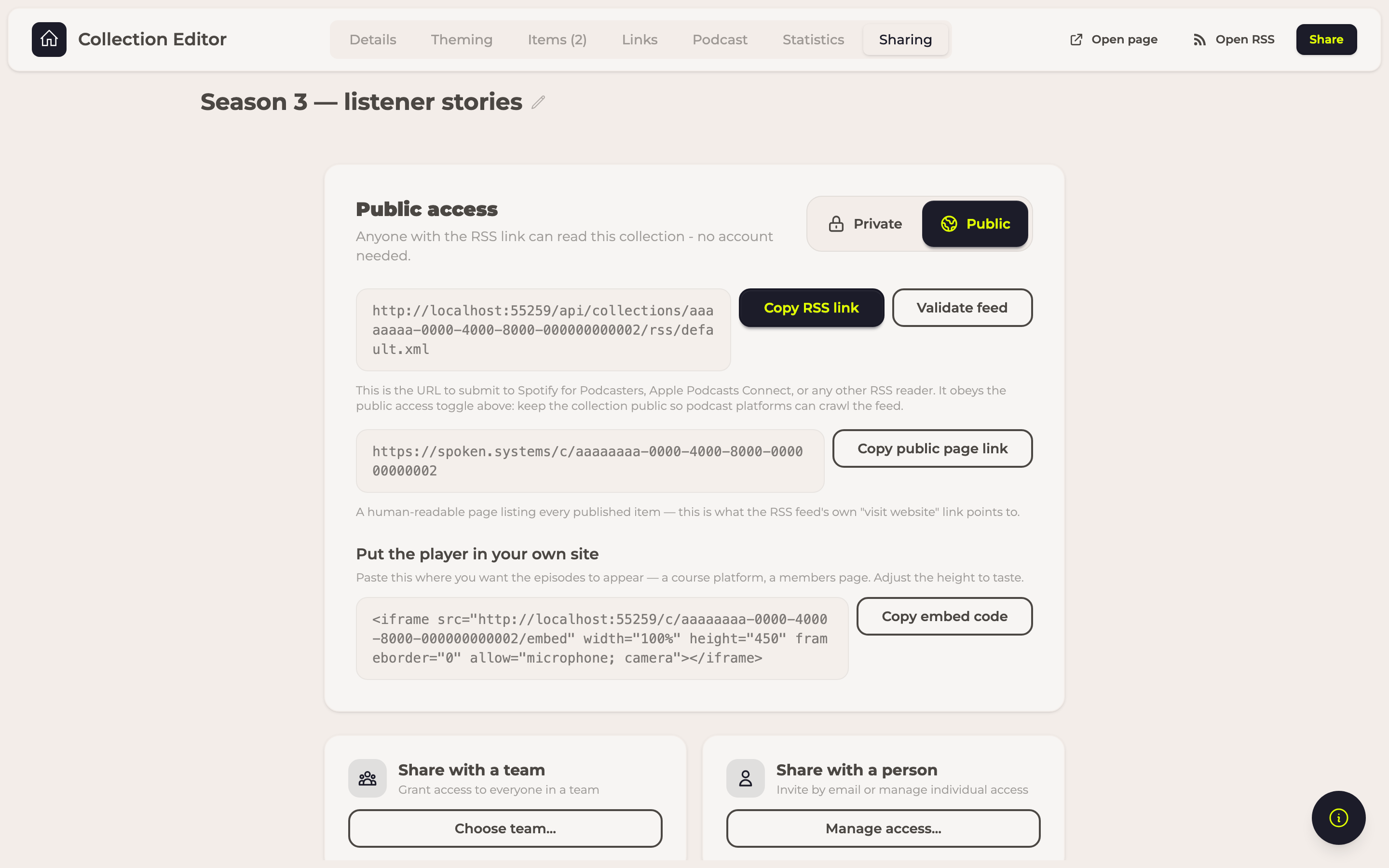
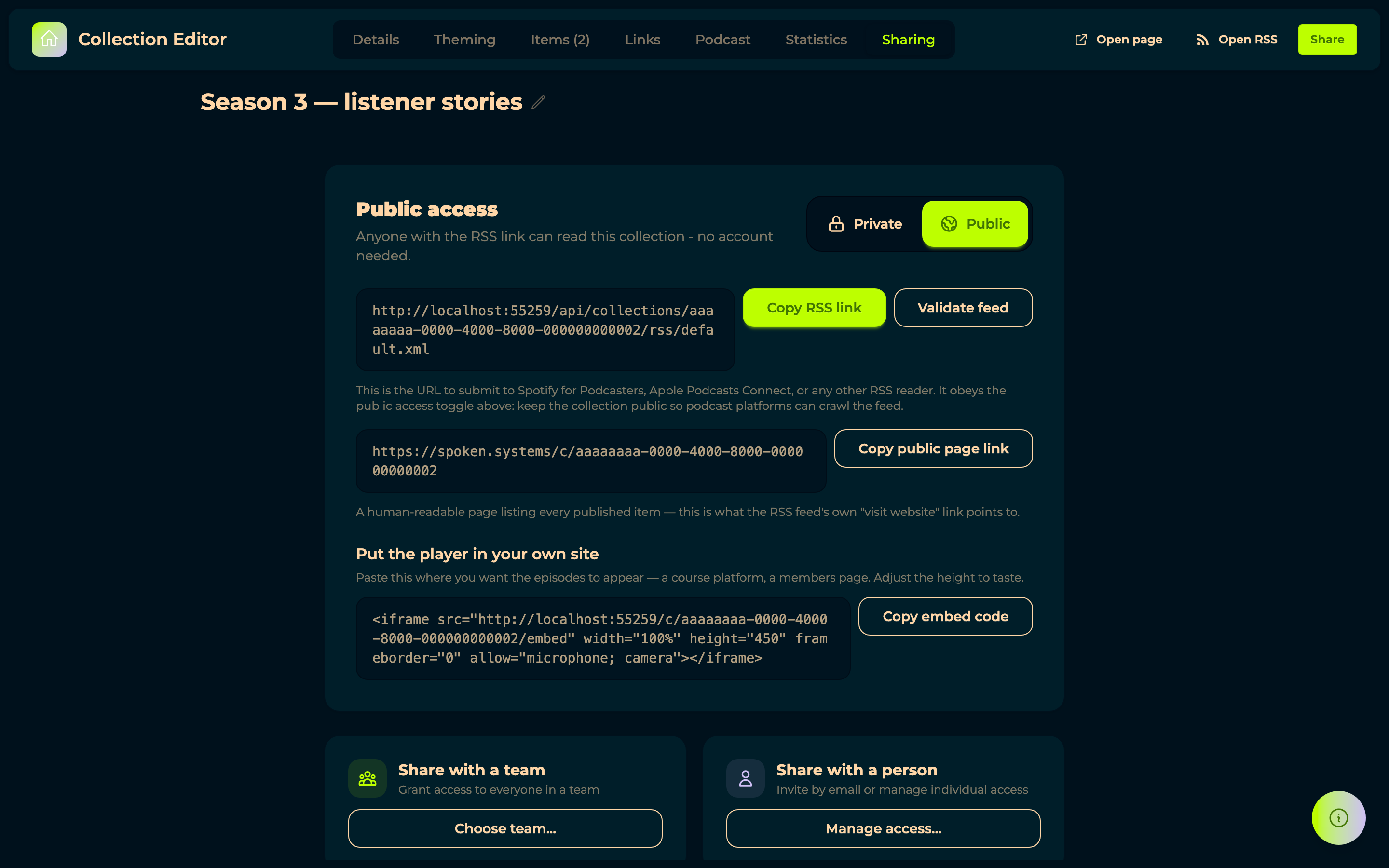
Who else can see the collection, and the public link — the same access model as a form's: a person, or a whole team.
Public access is what lets someone read the collection without an account, which is what a podcast app needs to fetch the feed at all.
Copy embed code gives you an <iframe> to paste into another site — a course platform, a
members area — so the episodes play there instead of sending people away. Change the height to
suit the page; everything else can stay as it is.
There are two kinds of link, and the difference is who each one is for.
The show's own link is the collection itself — the one to put on a website, in a newsletter, or in front of a podcast directory. Every collection has exactly one, and it never changes: nothing you do here will break a link somebody already saved. It is also the only one that cannot be taken away, because a show with no address is not published at all. If the episode files behind it have travelled further than you meant — forwarded, scraped, posted somewhere — you can issue fresh ones without the show's own link changing, with Regenerate in Links.
A shareable link is one you create for one audience: a course you are running, a community, a client, one person. The collection itself can stay private — the link is what lets them in. Make a separate one for each audience and you keep the choice of taking any single one back later: withdraw the link you gave the course and that group loses the page, the episode list and the audio, while everyone else carries on unaffected. If one gets passed around beyond the people it was meant for, withdraw it and hand out a new one.