Advanced Media Recorder
One step that accepts whatever the person is comfortable with. This is the step to use when you would rather have a written answer than no answer: someone who will not record themselves can still reply.
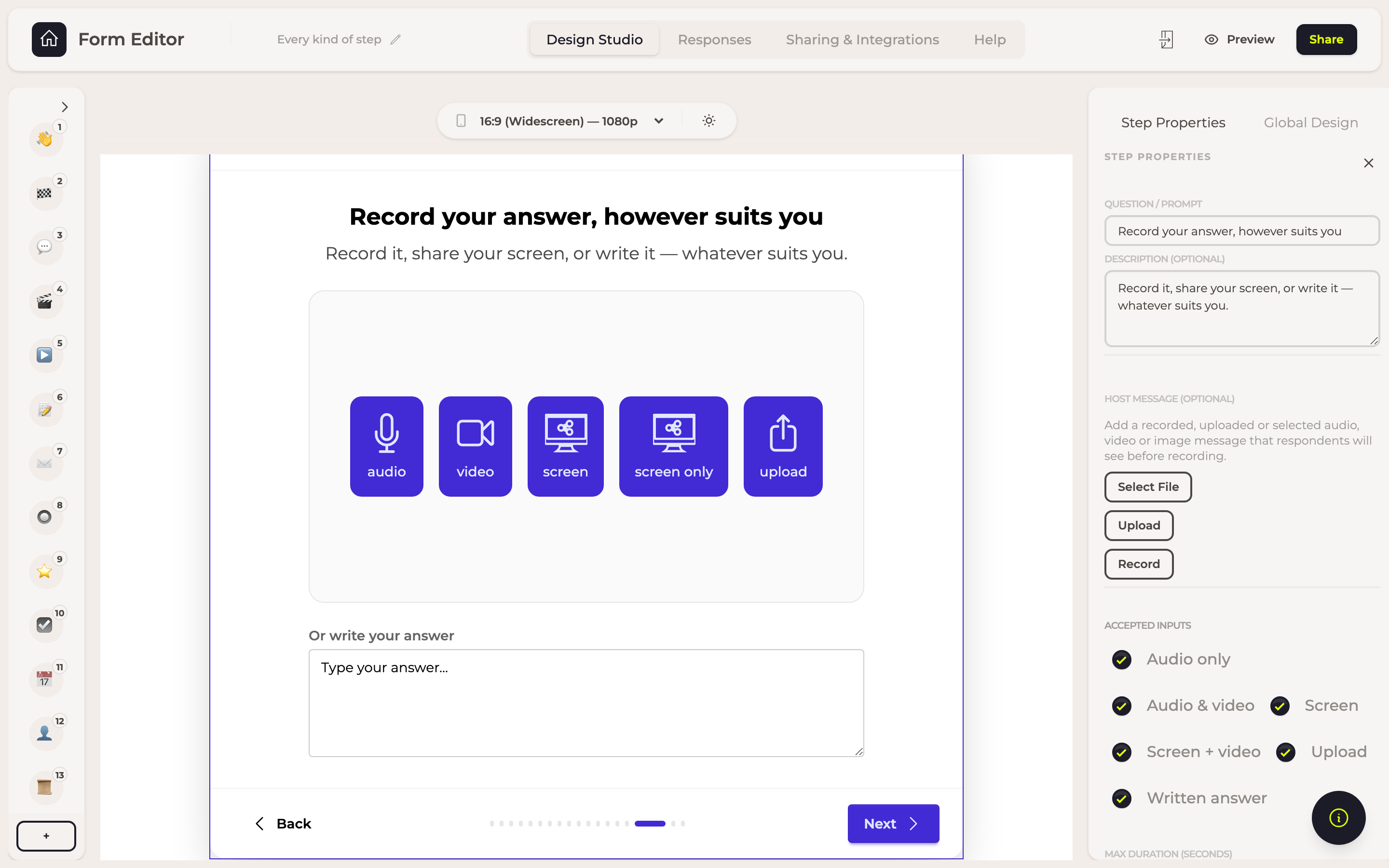
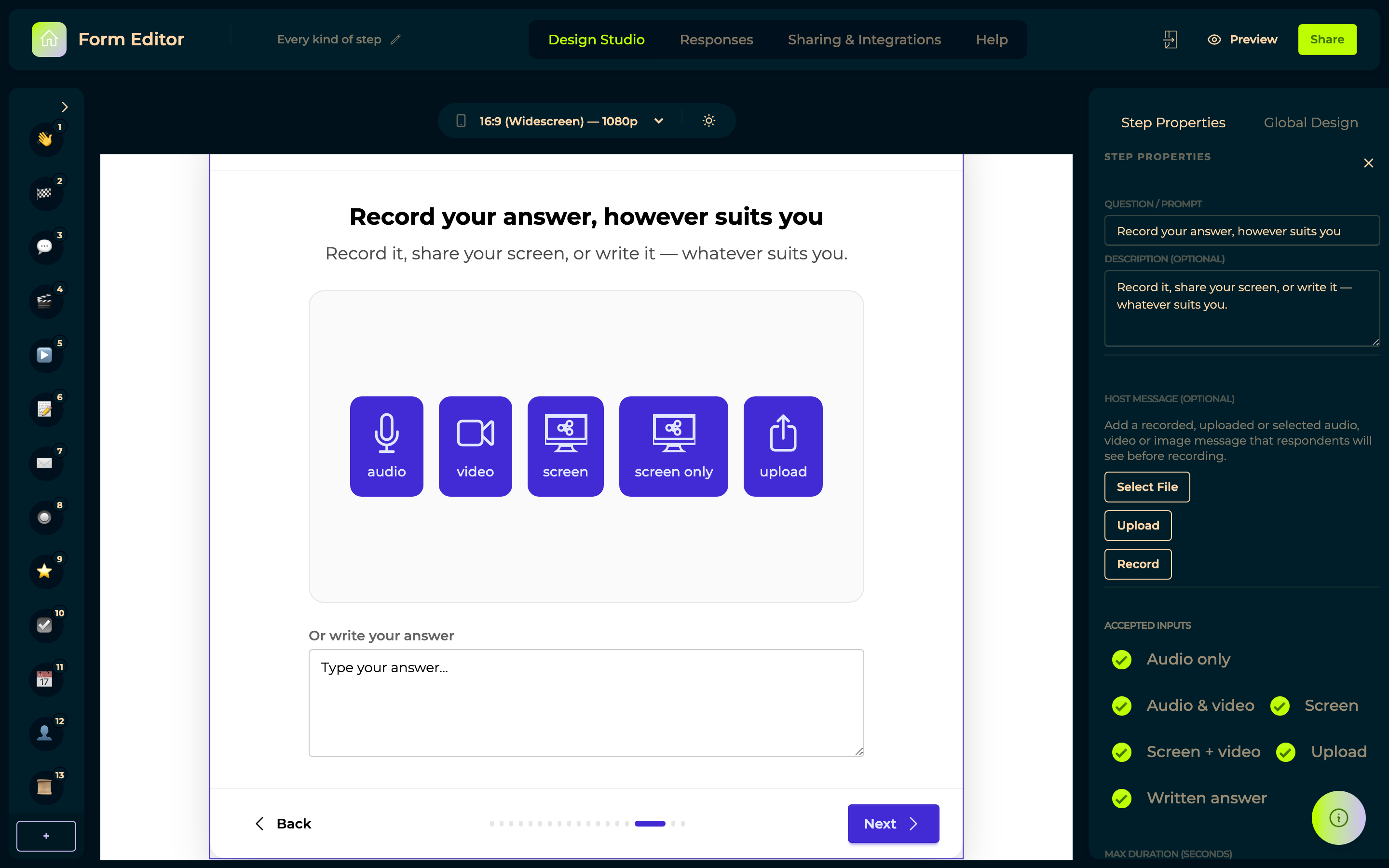
The screenshot has every option switched on, to show the full set. You turn on only the ones you want: each is an independent switch, and most forms offer two or three rather than all six. Offering fewer ways to answer is usually kinder than offering all of them.
Options
Accepted inputs is the list of switches, one per way of answering:
| Setting | What it does |
|---|---|
| Audio only | Record with the microphone. |
| Audio & video | Record with the camera. |
| Screen | Share the screen — for a demo or a walkthrough. |
| Screen + video | The screen and their camera together. |
| Upload | A file they already have. |
| Written answer | Type it instead. Off by default — the one to turn on if you would rather have a written answer than none. |
| Max duration (seconds) | How long a recording may run. |
A message before they record
Host message puts something of yours on the step, shown before the respondent records: Record one there and then, Upload a file, or Select File from your files. Audio, video or an image.
It is the closest thing to being in the room with them — your voice explaining what you are after lands differently from a written instruction, and guests answer better questions better.
In responses
Whatever they gave, in the form it was given.