Teams
Teams in the left menu, at spoken.systems/host/dashboard/teams.
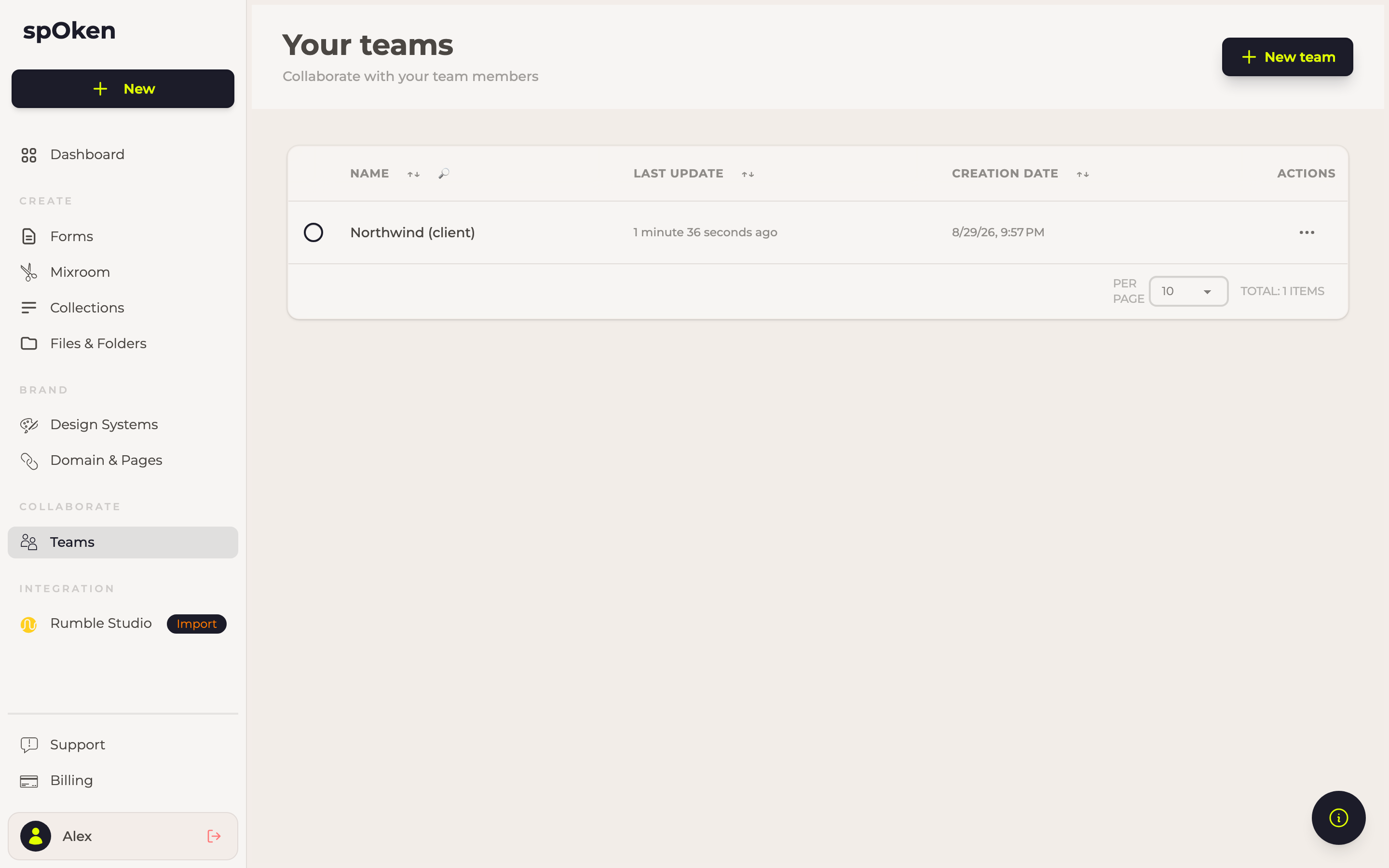
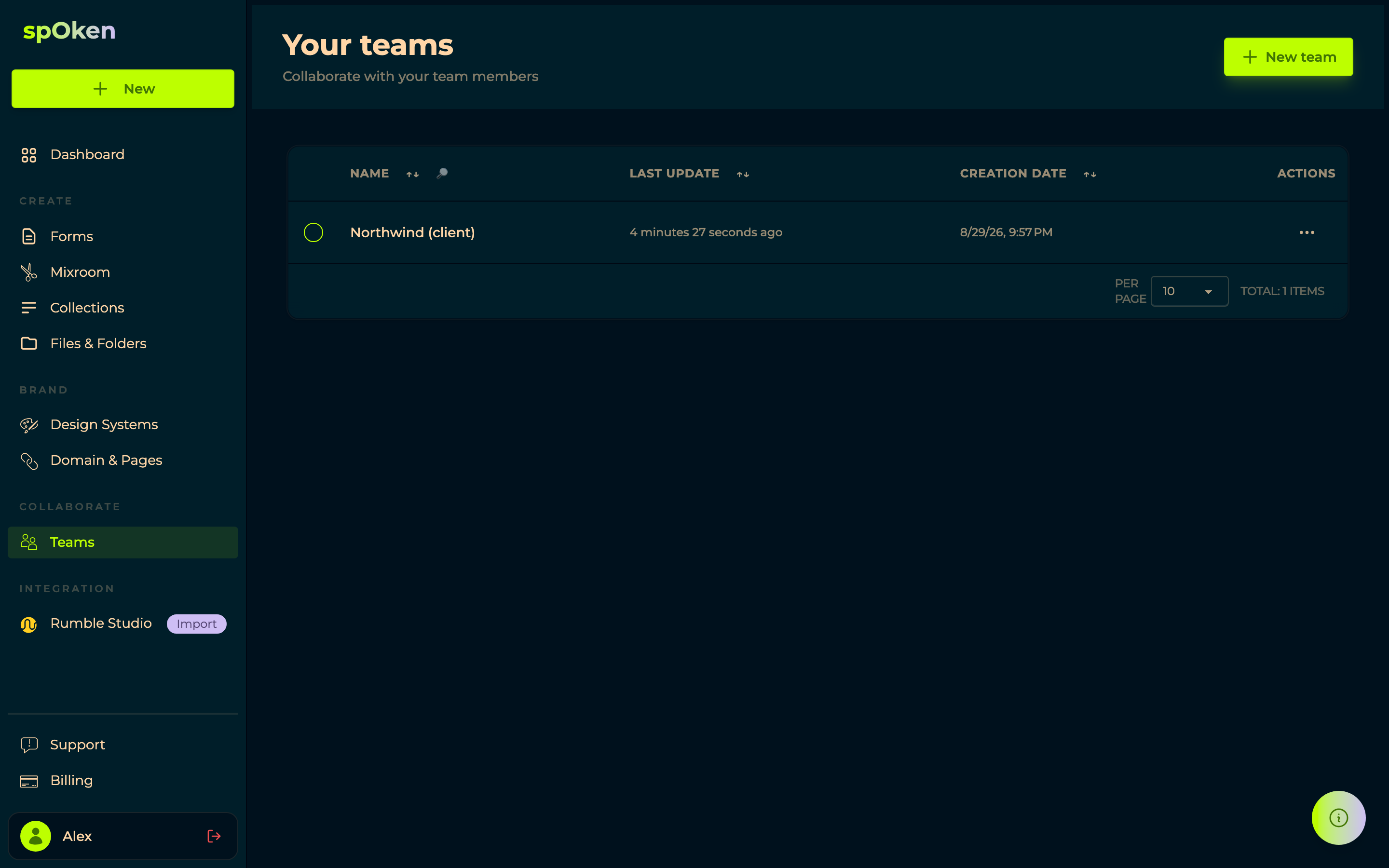
A team is a group of people who share what they work on — usually a client of your agency, so everything about that client stays together, or an internal team where colleagues need the same forms, mixes and podcasts.
New team creates one; opening it opens the team editor.
The team editor
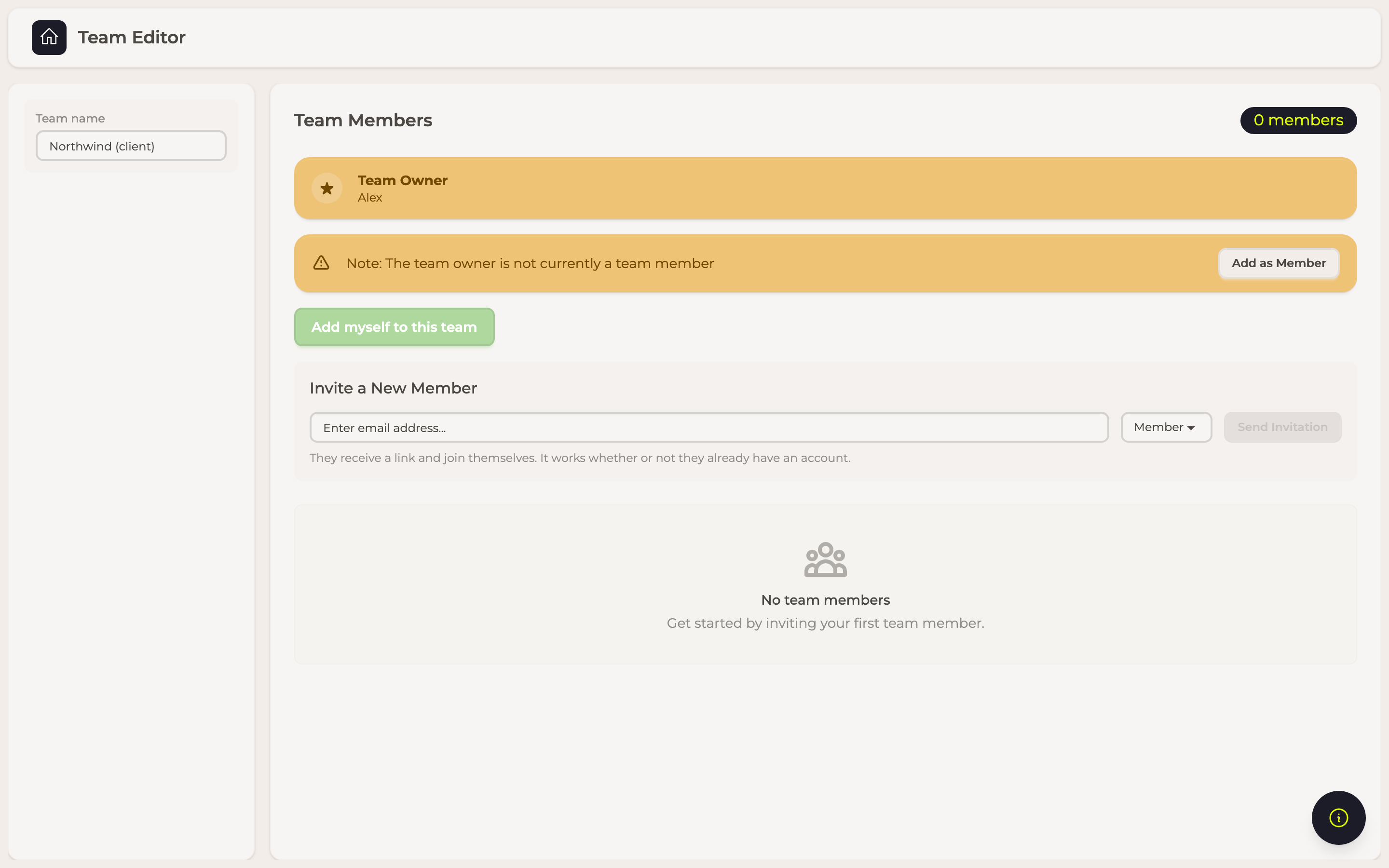
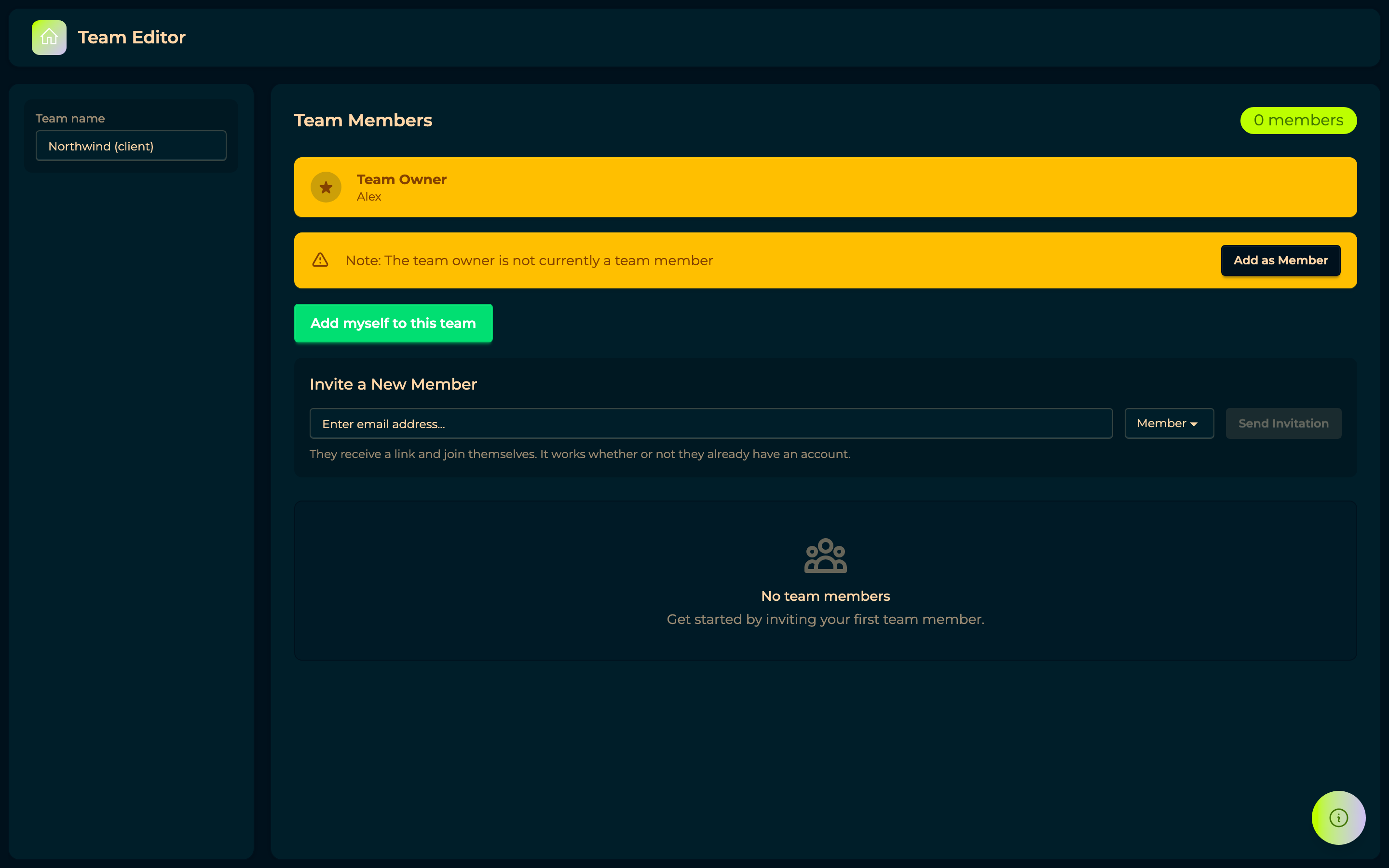
Team name, on the left, renames the team. Team Members lists who is in it, with the count beside the heading, and Send Invitation takes an email address and a role.
Pending invitations sits below the members: everyone invited who has not accepted yet, each marked Pending acceptance, with Send again and Revoke this invitation. One that has run out of time reads Expired — send it again.
To add someone, open the team and choose Send invitation. Enter their email address and the role they should have: they are sent an invitation and join when they accept it, whether or not they already have an account. Nobody is added without accepting.
Until then the invitation sits under Pending invitations, where it can be revoked or sent again, and its role changed — what the invitation says when it is accepted is what is granted. An invitation lapses after seven days, and one that has can be sent again from the same place.
Members see everything shared with the team, and anything a member shares with the team becomes visible to all of them. Removing someone takes that access away immediately; it never deletes what they created.
Every team has at least one owner, who can add and remove members and rename the team. The last owner cannot be removed — promote someone else first.
The owner is not automatically a member
Creating a team makes you its Team Owner, which is not the same as being in it — a team you just made says 0 members. The editor points this out and offers Add as Member (or Add myself to this team) to fix it in one click.
It matters because sharing is by membership: anything shared with the team reaches its members, and an owner who never joined is not among them.
Owners
Make Owner promotes a member; owners can add and remove people and rename the team. Sharing anything with a team — a form, a mix, a collection — gives every member the same access to it, so adding someone later hands them the whole history rather than only what comes next.