What's new
What has changed in spOken, newest first. Each entry says what it does and why it is worth your time — not a changelog of commits.
31 August 2026 — See your invoice total in your own currency
If euros are not what you think in, Billing details on your profile now has Also show the total in another currency. Pick one — dollars, pounds, yen, and the rest of the currencies the European Central Bank publishes a rate for — and every invoice and receipt we raise for you carries a second line under the total, converted at the ECB's reference rate of the day, with that rate and its date printed so you can check it.
It is an indication and the document says so: invoices are issued in euros and payments are only accepted in euros. Your bank converts at its own rate and takes its own fee, so the amount that leaves your account will not match to the cent. What it saves you is the mental arithmetic of knowing roughly what a spOken invoice costs you.
31 August 2026 — Deals granted outside AppSumo now import too
If you bought a Rumble Studio lifetime deal directly from us rather than through AppSumo, the import tool used to find nothing and tell you so. It only recognised the three AppSumo tiers, and the older deals were recorded under different names.
They are recognised now. Sign in to the migration screen with your Rumble Studio credentials and your deal imports on its own, with the same allowances as the equivalent AppSumo tier. Nothing was wrong with your account — the tool simply could not see the deal.
A handful of very old grants have no equivalent in spOken pricing and still cannot import by themselves. If yours is one, open a support ticket and we will sort it out by hand.
→ Migrating from Rumble Studio
30 August 2026 — The certificate check now checks the certificate
On a domain's subdomain, Check used to report a valid HTTPS certificate the moment the domain was added, even for a subdomain whose CNAME pointed nowhere — it was asking whether a certificate could be issued, not whether one existed.
It now opens a real HTTPS connection to the subdomain, so the green tick means what it says: a certificate a browser accepts, for that exact address. Expect it to stay red until the CNAME resolves — that is the order things actually happen in, and the check itself is what triggers the certificate to be issued.
29 August 2026 — Duplicate a form
Duplicate is on every form's ⋯ menu. It copies the questions, their order, the theming and the design systems, and points at the same uploaded media — so the copy opens finished rather than empty. It asks what to call it, offering <title> (copy).
Responses stay with the original and the copy starts empty. Sharing does not follow either: whoever duplicates owns the copy, so duplicating a form shared with you does not hand your version back to the person who shared it.
The obvious use is the second version — the same interview for another guest, the same feedback form for the next cohort — without rebuilding it question by question.
→ Forms
28 August 2026 — Your show page, in your colours
Your show page now takes your own background and text colours, set directly or from one of your design systems, in a new Theming tab.
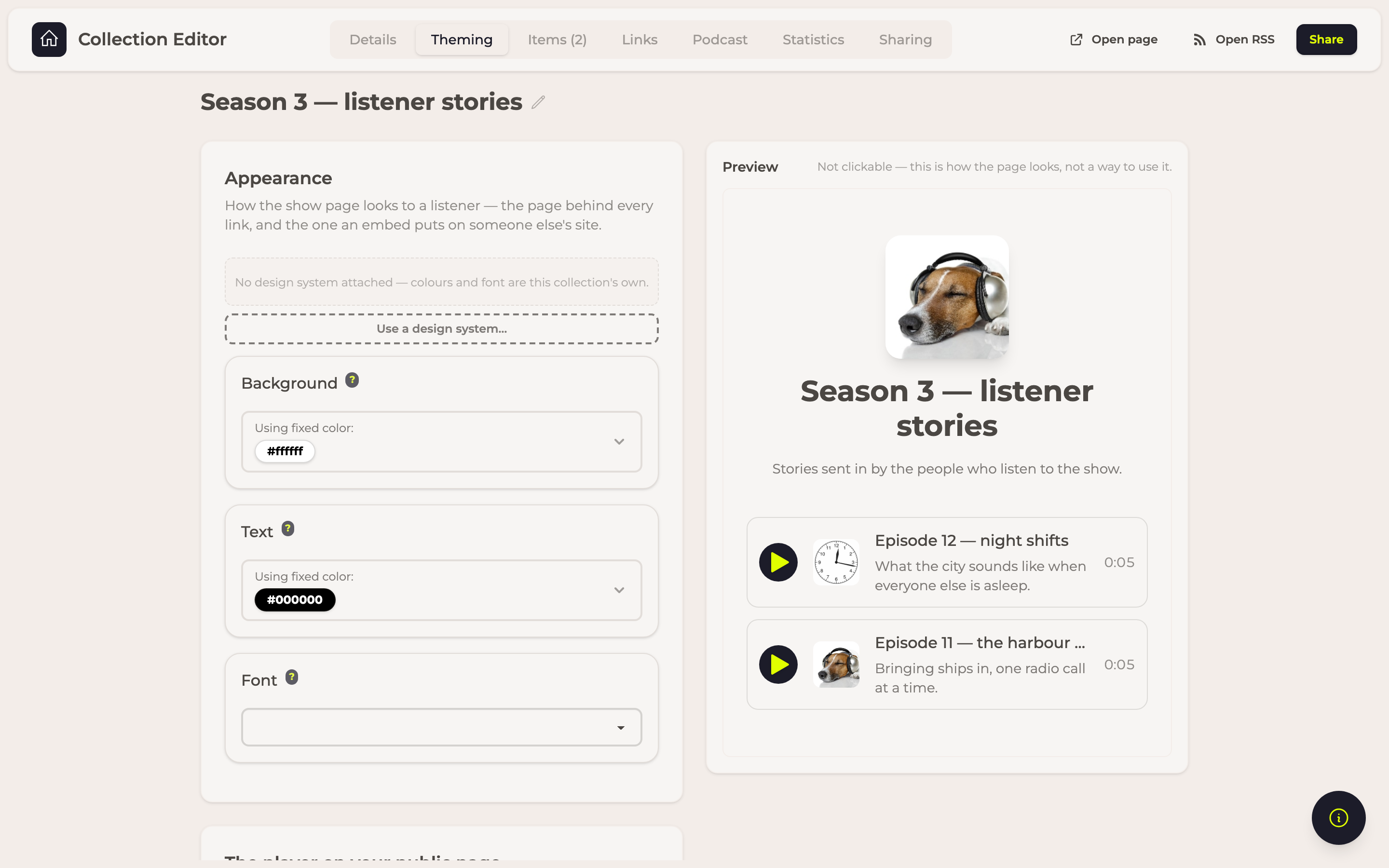
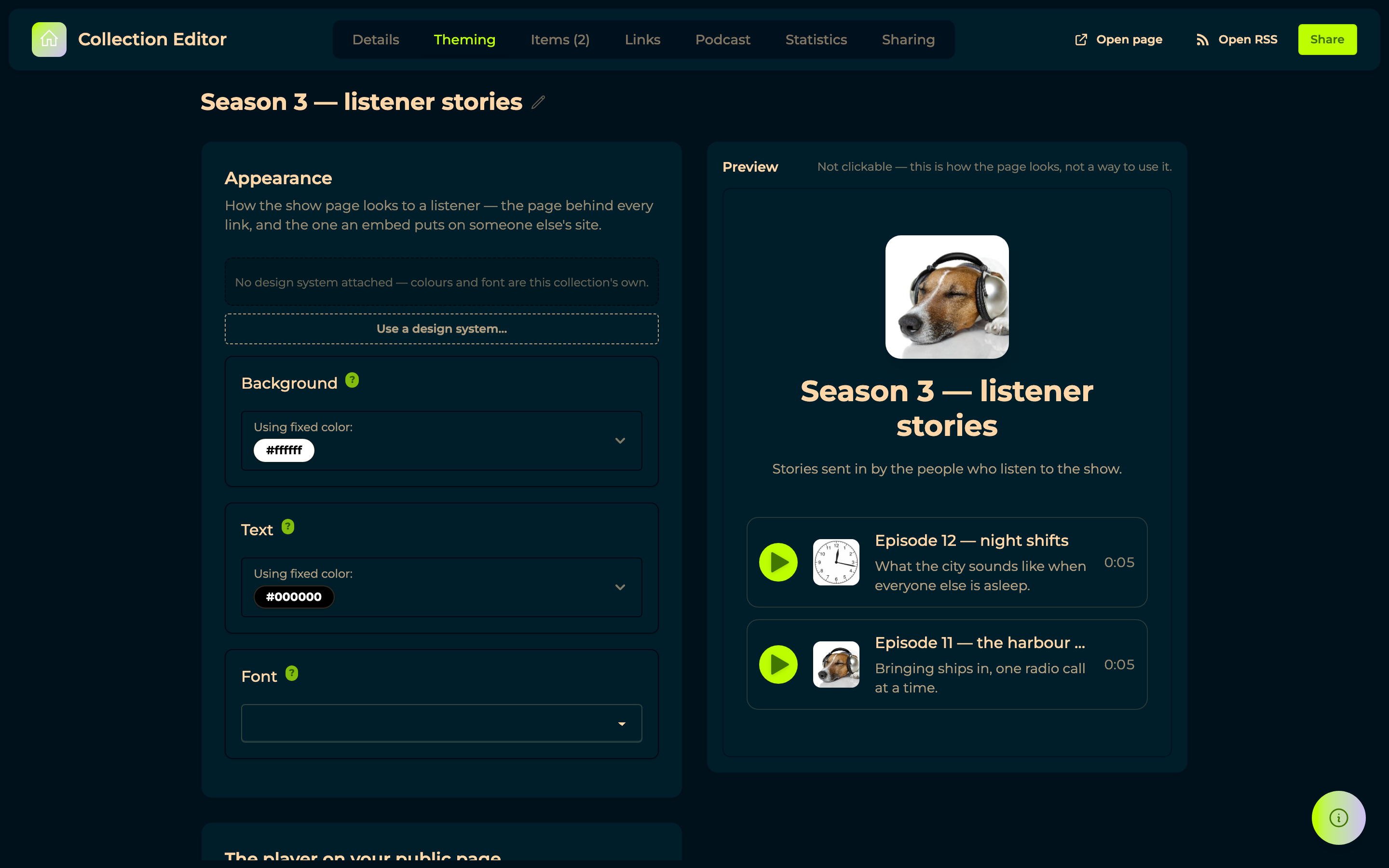
Transcripts can ride along under the player: the line being spoken is marked as the episode plays, and clicking any line plays from there.
Every address you can hand out now sits in a Links tab, the show page and the podcast RSS side by side.
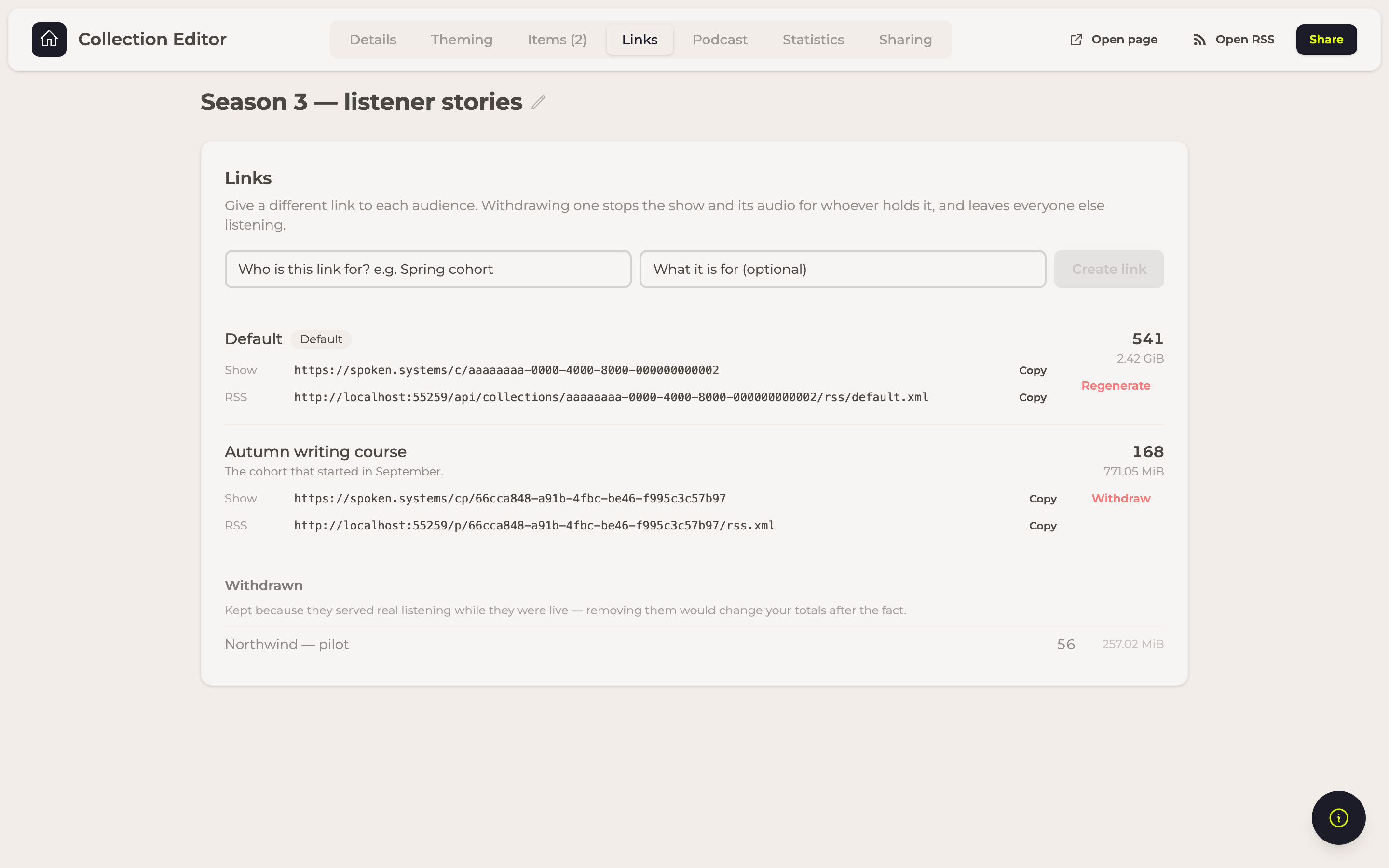
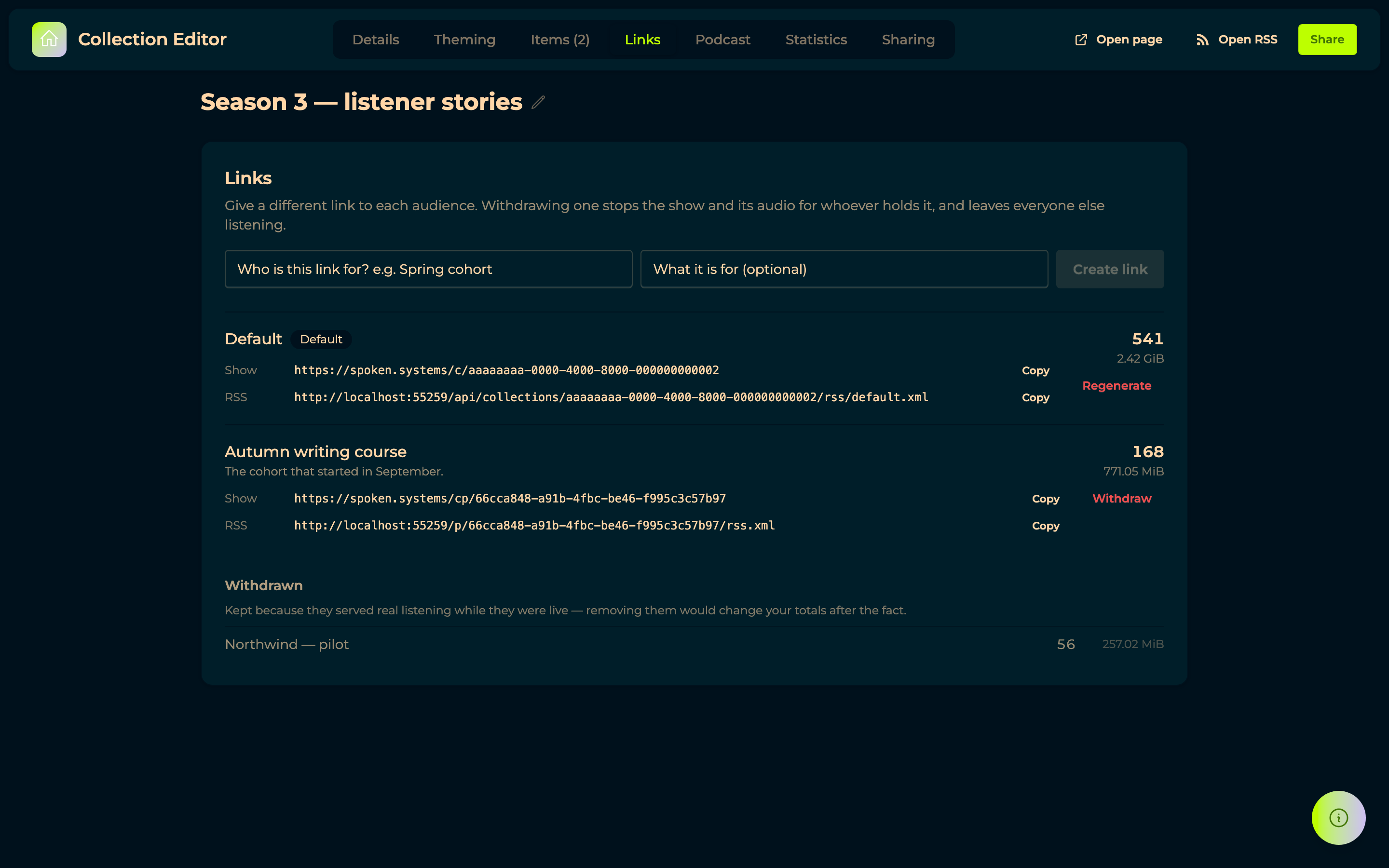
Paste one into a chat and it previews as your show rather than as spOken. And if you embedded a form on your own site before today, copy the embed code again — the old snippet cannot reach the microphone.
27 August 2026 — A collection plays like a podcast
Press an episode and the collection runs on into the next, with the player at the bottom of the window carrying speed, volume, a waveform and skip.


Episodes are listed as a tracklist in the order you said your show runs: a serial podcast opens at the first episode, an episodic one leads with the newest. Under Sharing there is an embed snippet, so the episodes play inside a course platform or a members page without your listeners leaving your site. Nobody needs an account to listen. Audio travels through the same withdrawable links your feed uses, so revoking one stops playback everywhere — and those plays are counted.
23 August 2026 — Deleting a response gives you the space back
Delete, on every response row, is the one that frees storage: the response leaves the table and its files stop counting within about ten minutes. Archiving only puts a response aside — everything in it still counts. There is no undo, so export what you want to keep first. If a respondent returns to the same link and carries on, their response appears again: their answers live in their own browser, and we would rather show you what they sent than swallow it.
22 August 2026 — Uploading into a folder works again
Uploads go into the folder you are browsing, in the explorer and in Files & Folders alike.


A folder shows its own files rather than, occasionally, another folder's. An upload that cannot finish now says so instead of quietly completing its progress bar — including when a browser extension or a VPN blocks the transfer, which used to leave no trace at all. And uploading from the top of the explorer takes you to Files & Folders, where the new file is visible.
22 August 2026 — Responses open up, and the spreadsheet stops losing columns
If you have exported responses to Excel, export them again: columns were named after the kind of question rather than the question itself, so three written questions collapsed into one column holding only the last answer.


Clicking a response now opens it in full, question by question, every file ready to download and anything with sound carrying the transcript spOken already made of it. All uploaded files writes every recording, image and document straight into a folder on your computer, one subfolder per response, fetching only what is missing when you run it again. CSV joins Excel and Word in the Export menu, for when something else has to read the file.
22 August 2026 — Proxied CNAMEs pass the domain check
A domain behind a proxy — Cloudflare's orange cloud is the common case — used to read Setup incomplete over a perfectly working setup.


The check now probes your domain directly and says Ready, with a small proxied tag explaining what it found. Nothing to change on your side — proxied or plain, both are fine.
19 August 2026 — Billing warns before it charges
Storage overuse is charged only once it has persisted past a grace period, so an accidental upload deleted the same day costs nothing.


When something is over, a bar at the top of the app says so plainly and takes you where you can act — the files, collections or design systems in question, your billing page, the plans. And the buttons for creating a domain, a collection or a design system tell you when your allowances are used up, instead of letting you create something you would be warned about afterwards.
→ Billing
19 August 2026 — Tables let you choose how many rows they show
Every table's footer offers 10, 25, 50 or 100 rows, and it stays put when everything fits on one page so the choice can always be changed back.
17 August 2026 — Your rendered exports are actually listed now
Step 5 of the Rumble Studio importer, Download your rendered exports, now loads its list when you connect — for some accounts that is several hundred rendered episodes, including ones whose mix was deleted long ago. A step that genuinely has nothing to show now says so, rather than leaving a blank where a list should be.
17 August 2026 — Imported jingles arrive as playable files
Jingles from the Rumble Studio importer landed on disk without a file extension — Chilled 4
rather than Chilled-4.mp3 — so nothing would open them. They arrive under their proper file names
now, and where a name carries no extension the format is worked out from the file itself, for
jingles as for interviews, mixes and exports. Run the download again; the extensionless ones left in
your folder can be deleted.
17 August 2026 — The simple mix, rebuilt
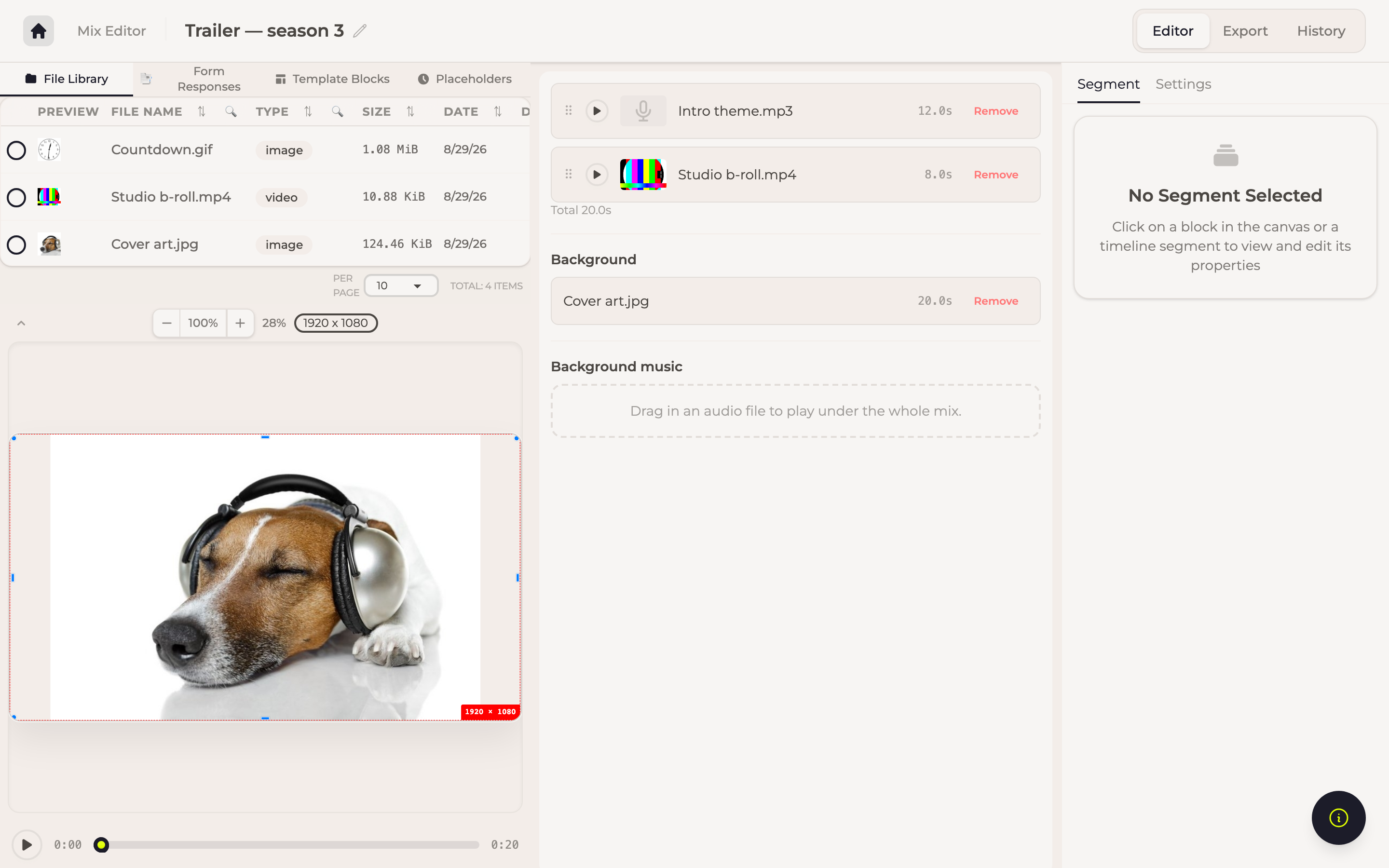
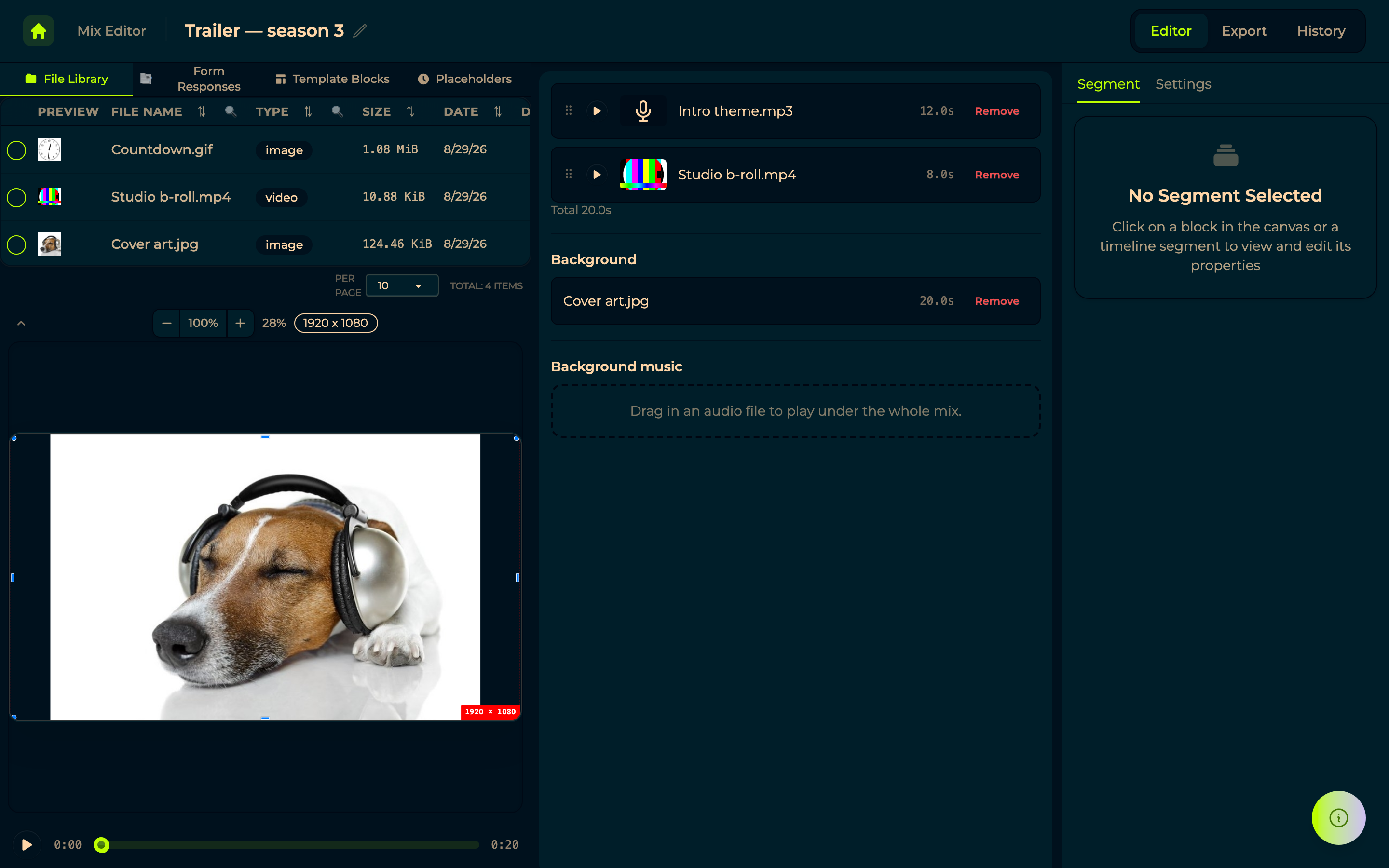
The simple editor is the mix now, read as a list: the pieces in order, a Background behind them and Background music under them, so switching between the list and the timeline converts nothing. Each entry shows its picture, its waveform and its transcript, so you can tell two recordings apart without playing them. Files drop straight onto the section they belong to, a seek bar under the preview scrubs the whole mix, and the sources fold away when you would rather see it. Whatever you add is fitted to the frame — scaled whole, centred, never cropped. Muting a segment silences it in the preview, not only in the export.
→ Mixroom
16 August 2026 — Buy what you ran out of
Lifetime deals are sold directly from the site, and an Extras page carries everything bought on top of a plan.
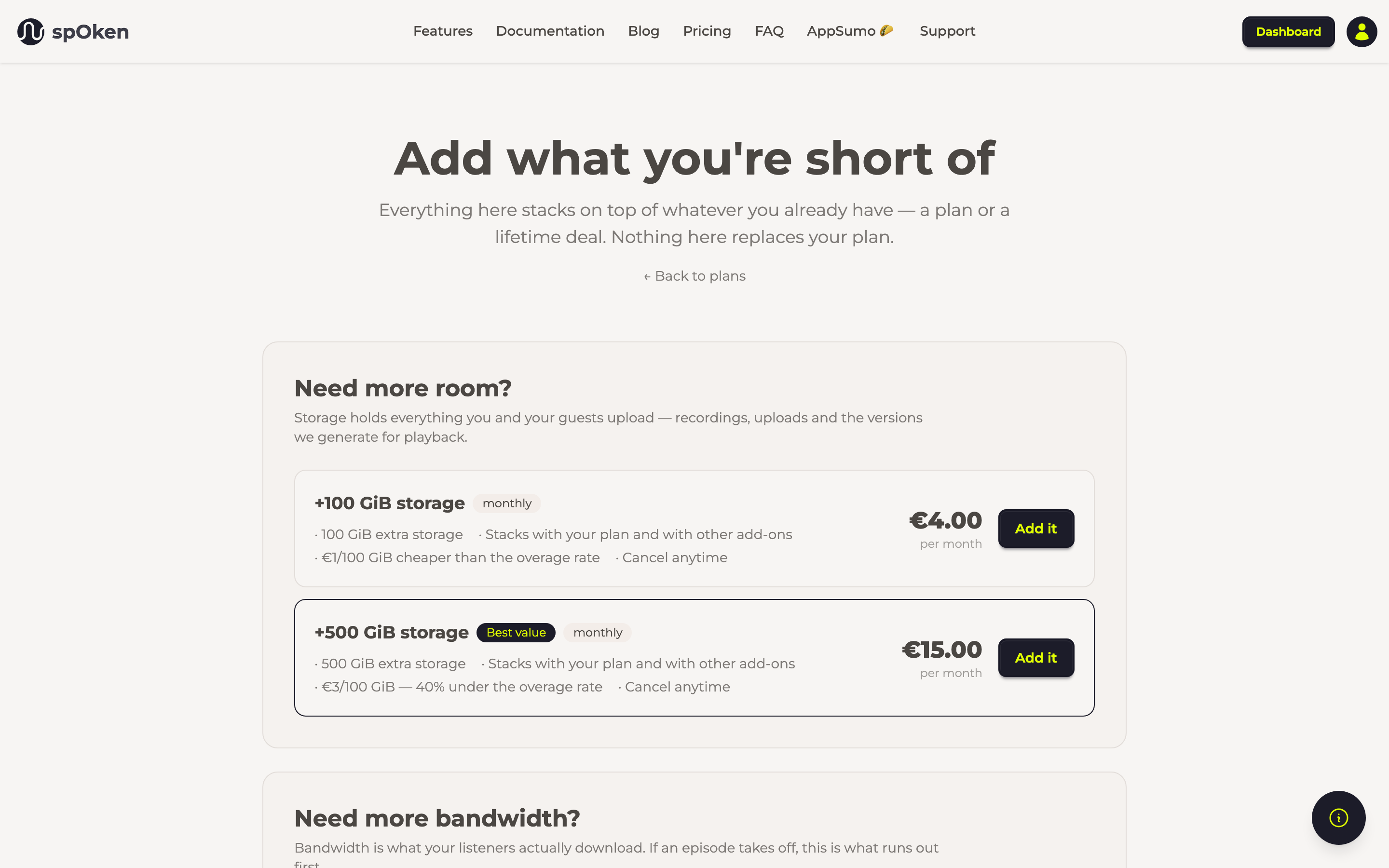
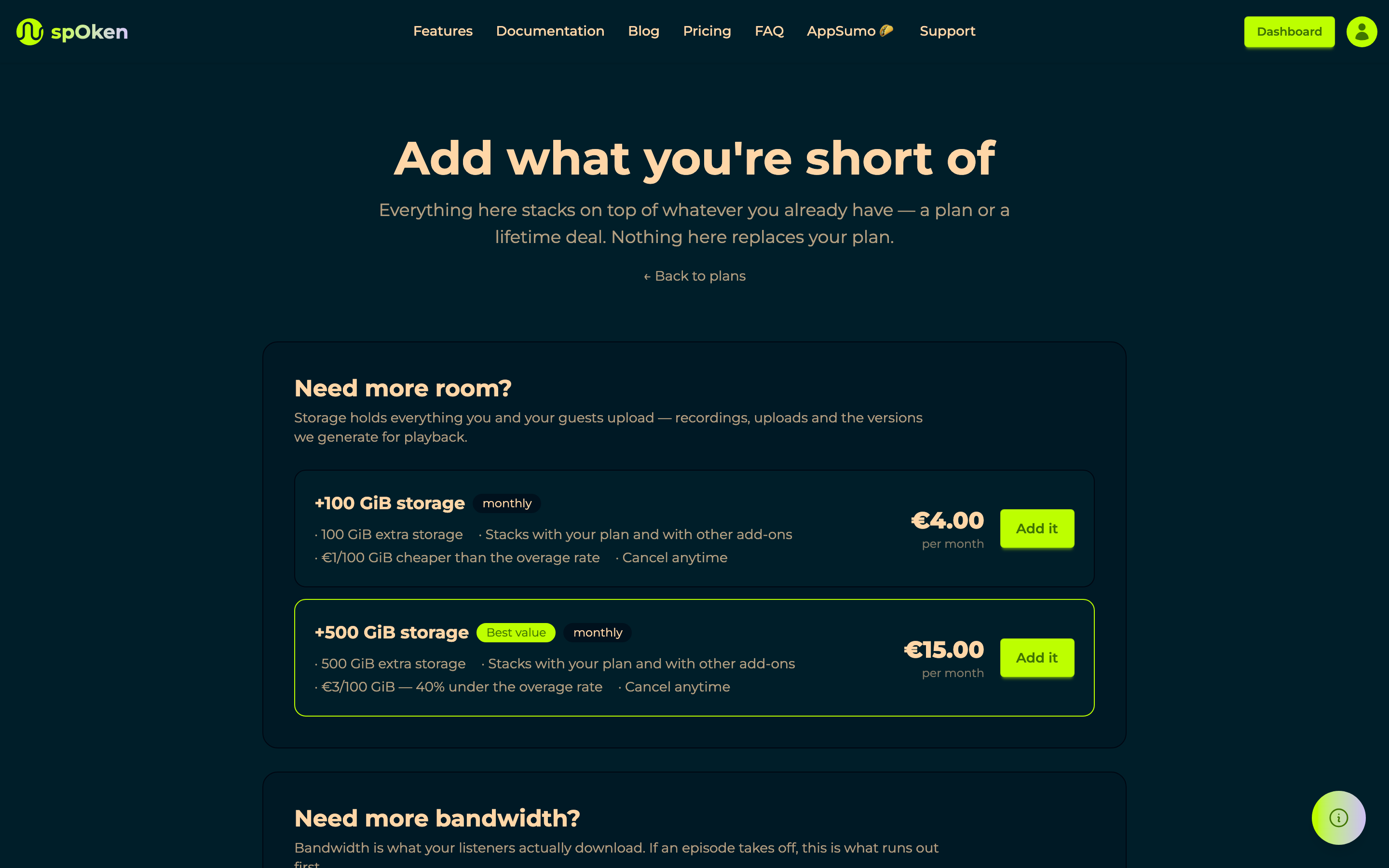
Extras are grouped by the thing you ran out of rather than laid out as a second set of plans: storage and bandwidth packages, extra domains, and a branding kit. Bandwidth is metered so its packages recur; domains and kits cost nothing to keep, so they are paid once. Podcast downloads are no longer capped — bandwidth runs out first, so the advertised counts were unreachable; the number stays as information. And a plan is charged before it is provisioned, so a declined card cannot leave an entitlement behind.
→ Billing
15 August 2026 — A simple mix shows its files by name again
Reopening a mix built in the simple editor listed every track as a long identifier instead of its file name, so the list was only readable in the session where you dragged the files in. Fixed — an ordered playlist you cannot read is not an ordered playlist.
→ Mixroom
15 August 2026 — Ask for an email, and know it is real
Forms gained an email step, and it can require the address be confirmed: the respondent gets a mail, clicks the link, and comes back.
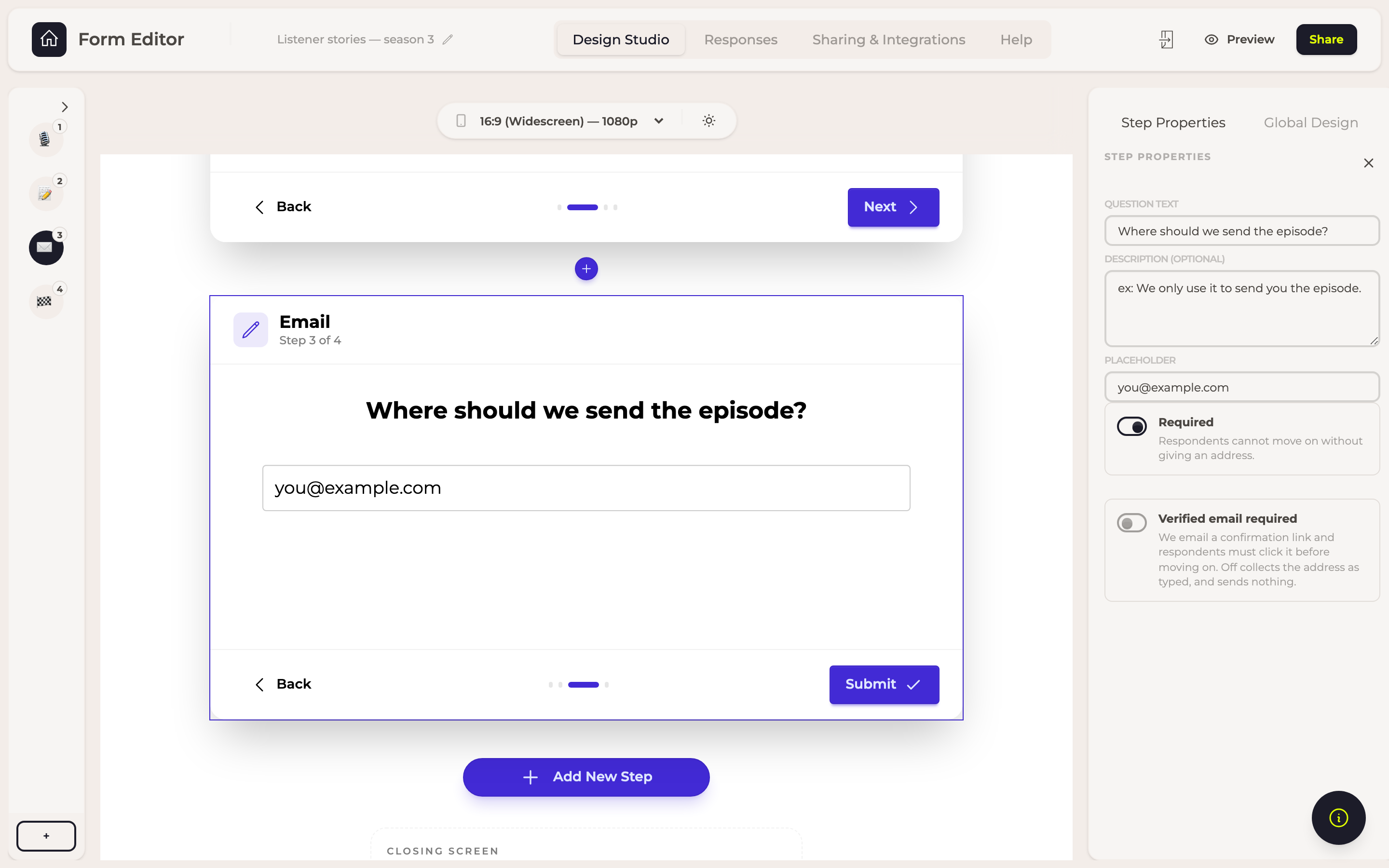
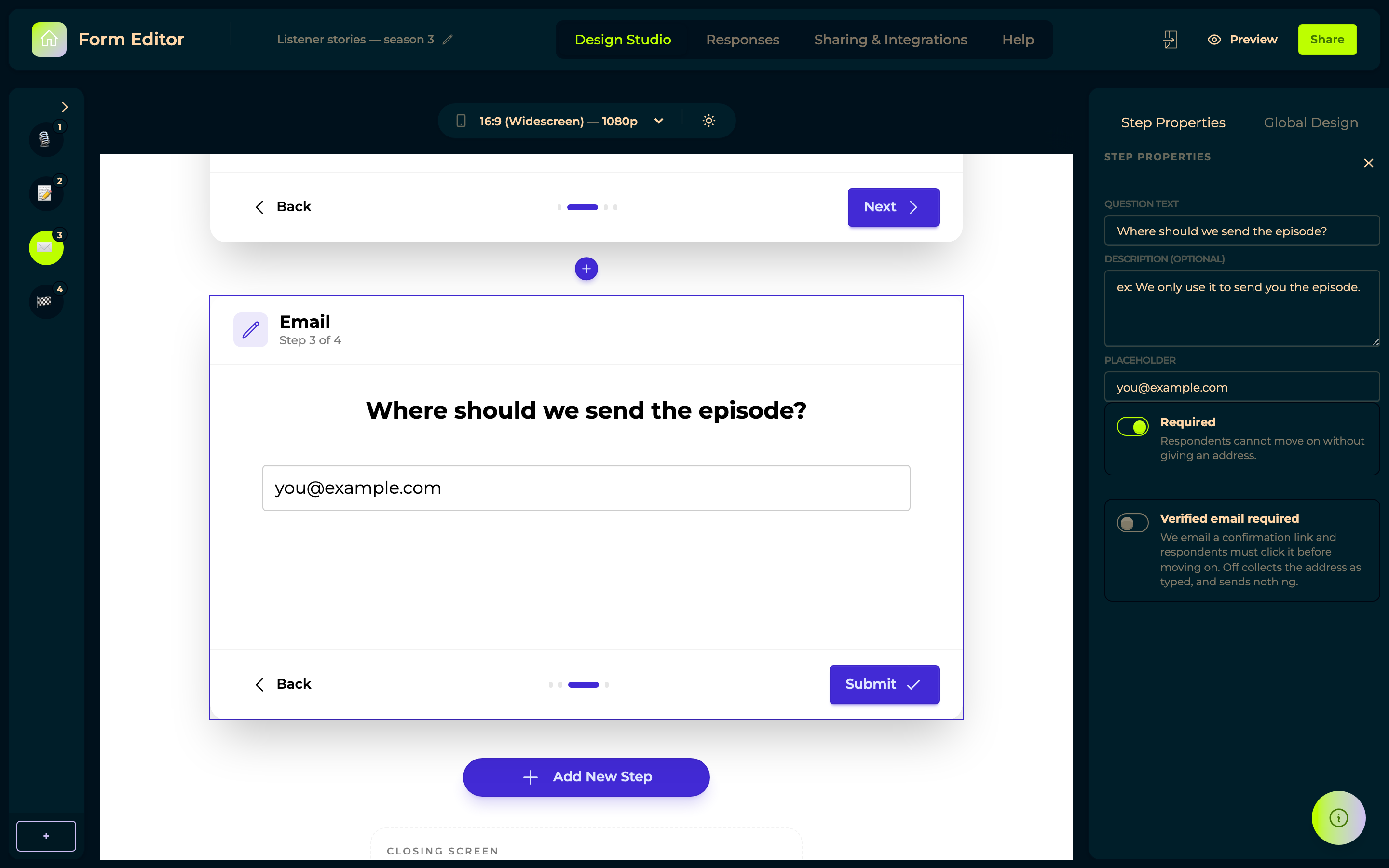
An address you cannot reach is worse than no address, because you plan around it — a typo stays invisible until the day you send the episode and it bounces. The proof is tied to that question in that response, not to the address in general, and confirmed ones show as verified in Responses. Leave the option off and the step simply collects an address, sending no mail.
→ Forms
14 August 2026 — Answers can be final
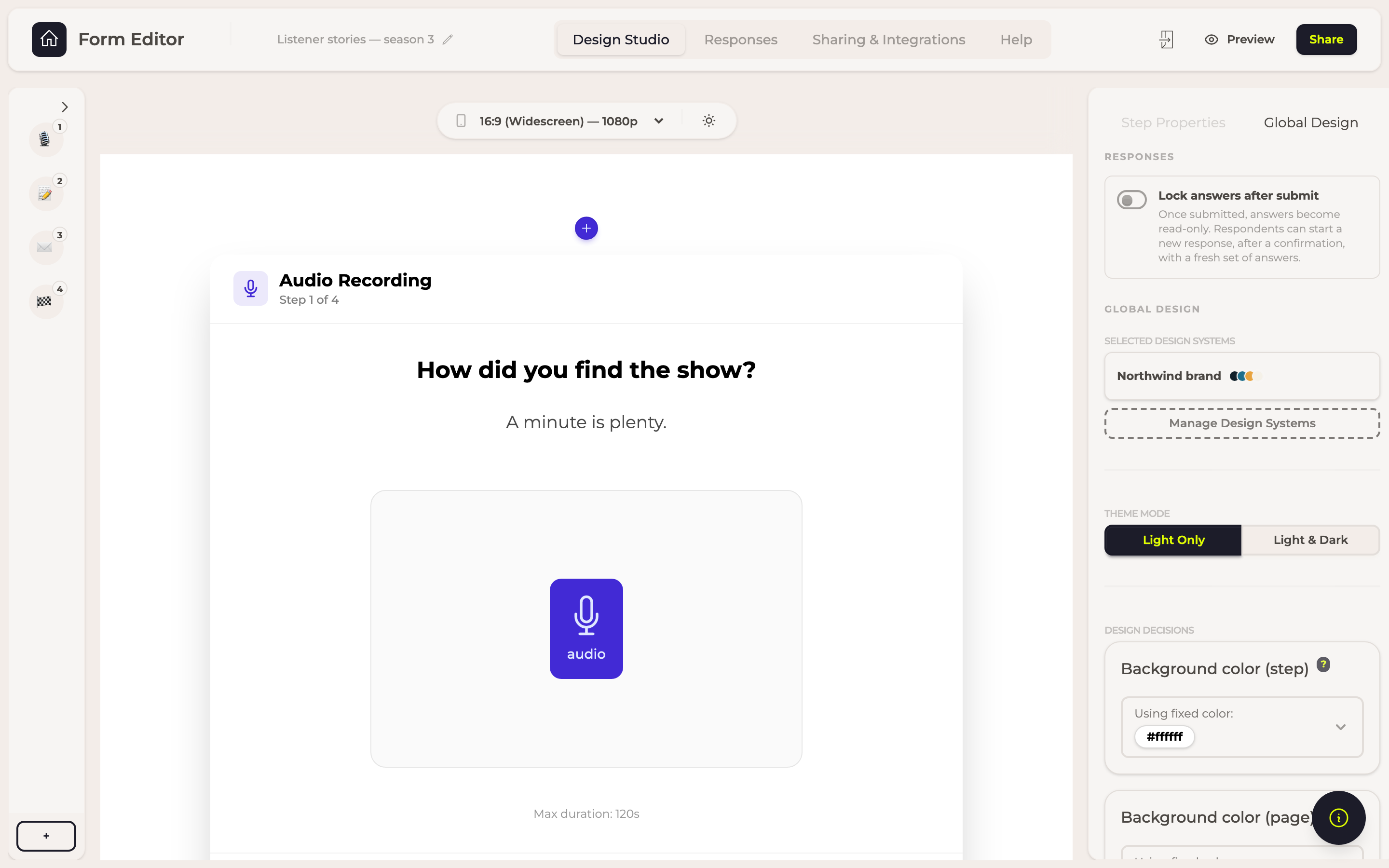
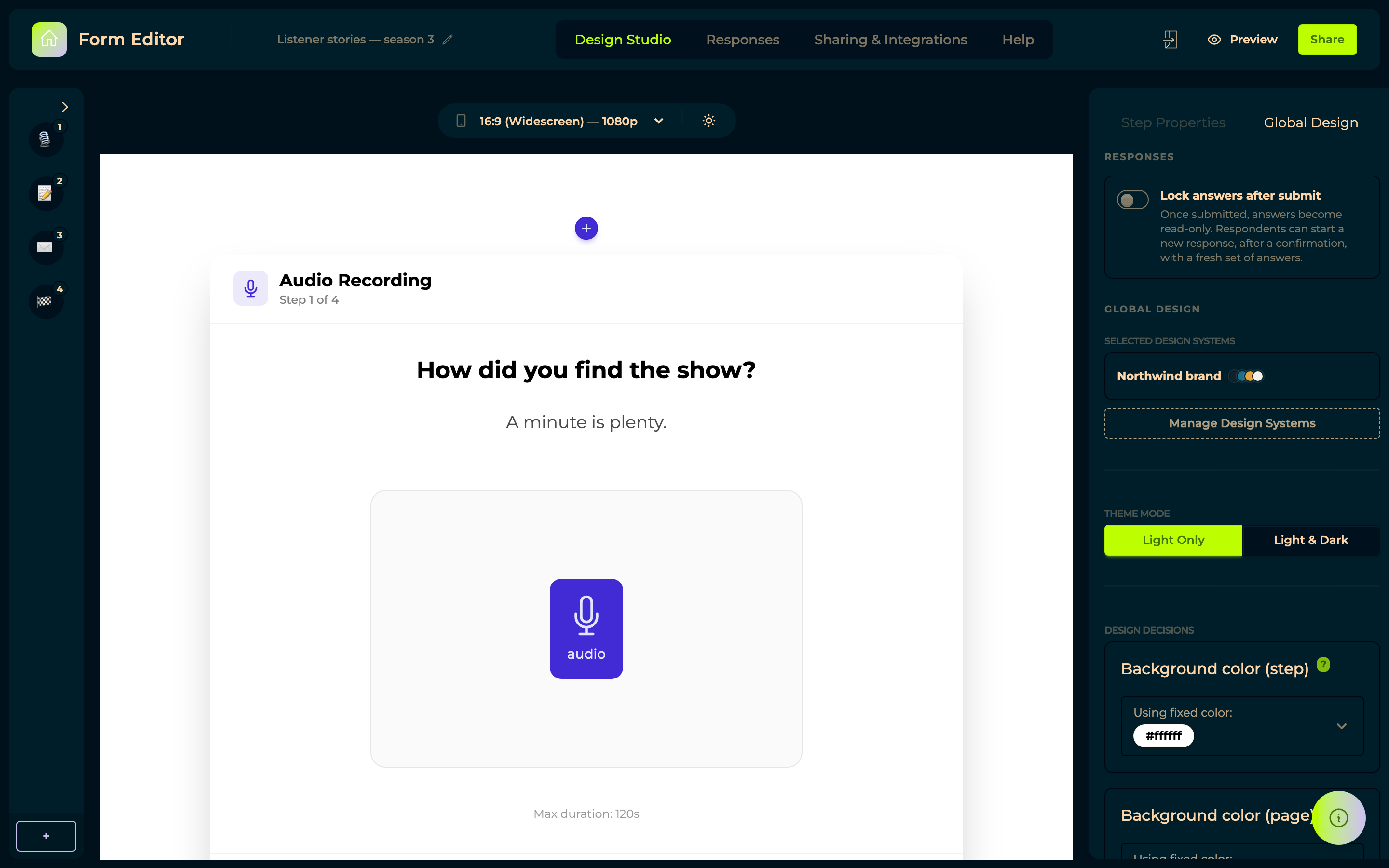
A form can lock answers after submit: the closing screen carries a submit button, and once a respondent presses it their answers become read-only. A returning respondent used to continue the same response, which is right for a long form filled over a week and wrong for anything you intend to quote, approve or count. Respondents are not trapped — the read-only screen offers Start over with new answers, leaving the submitted one untouched. The setting needs a closing screen to submit from, so the builder says so when you turn it on without one.
12 August 2026 — Take the recordings away
Every recorded answer got a download button, next to its player, on audio, video and advanced recorder answers alike. You get the original file as it was recorded, not a preview copy.
Downloads are named after the question they answer, with the recording's own timestamp — so a batch of them sorts by question instead of arriving as a wall of identical names.
11 August 2026 — Archive a response instead of deleting it
Responses can be archived: they keep everything in them and leave the default view. A Show archived toggle brings them back, and Restore puts one back for good.
Test runs, duplicates and the person who recorded four seconds of silence used to sit in the table forever, because deleting felt too final. Now they can be put away without being thrown away.
10 August 2026 — Recordings are harder to lose by accident
Closing a tab while a recording is still uploading now warns you first, and starting a recording stops whatever was playing, so the microphone never quietly records your own playback.


9 August 2026 — Recording together, live
Rooms arrived: you and a guest in the same browser session, recording at the same time. No app to install, no meeting to schedule.
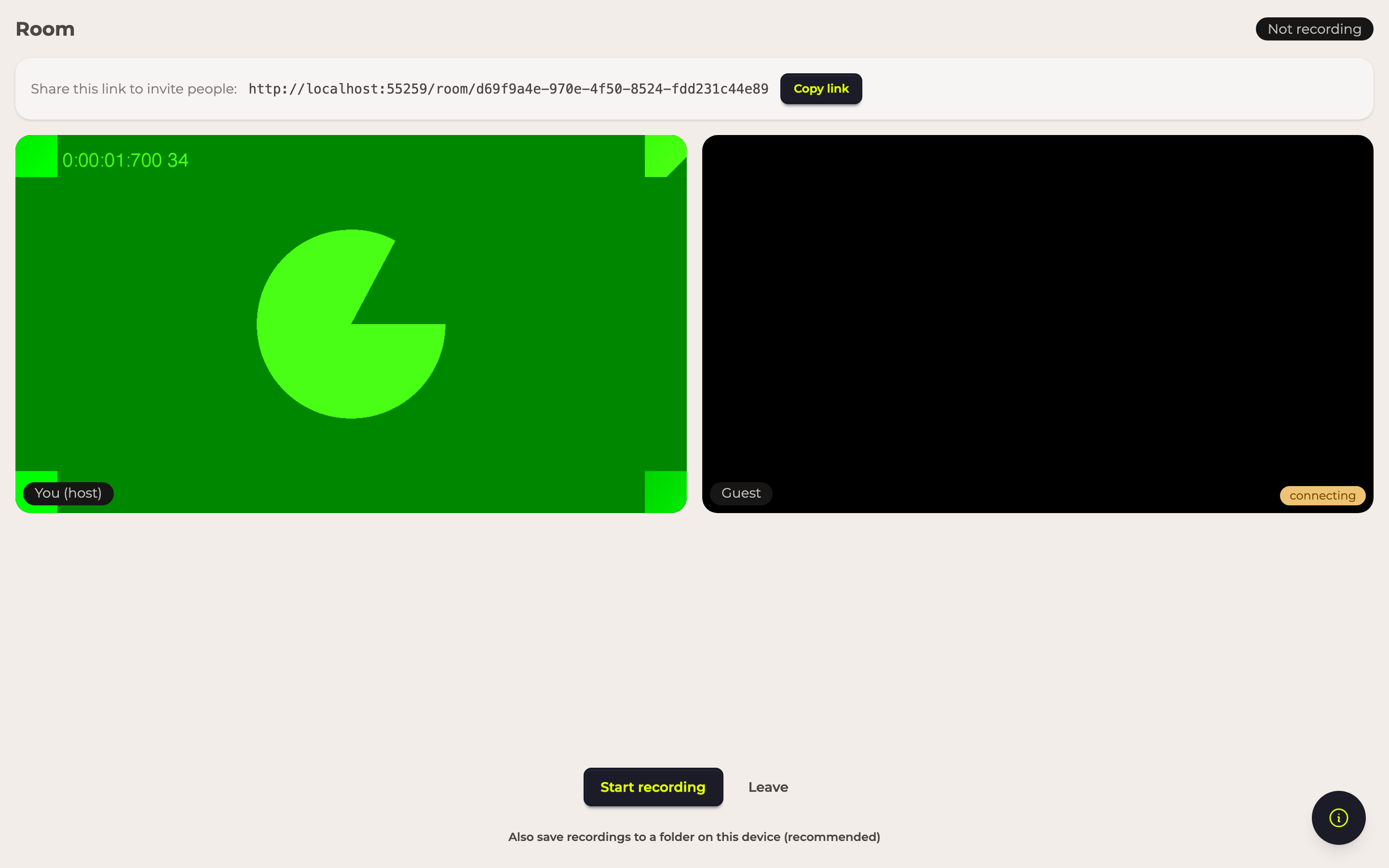
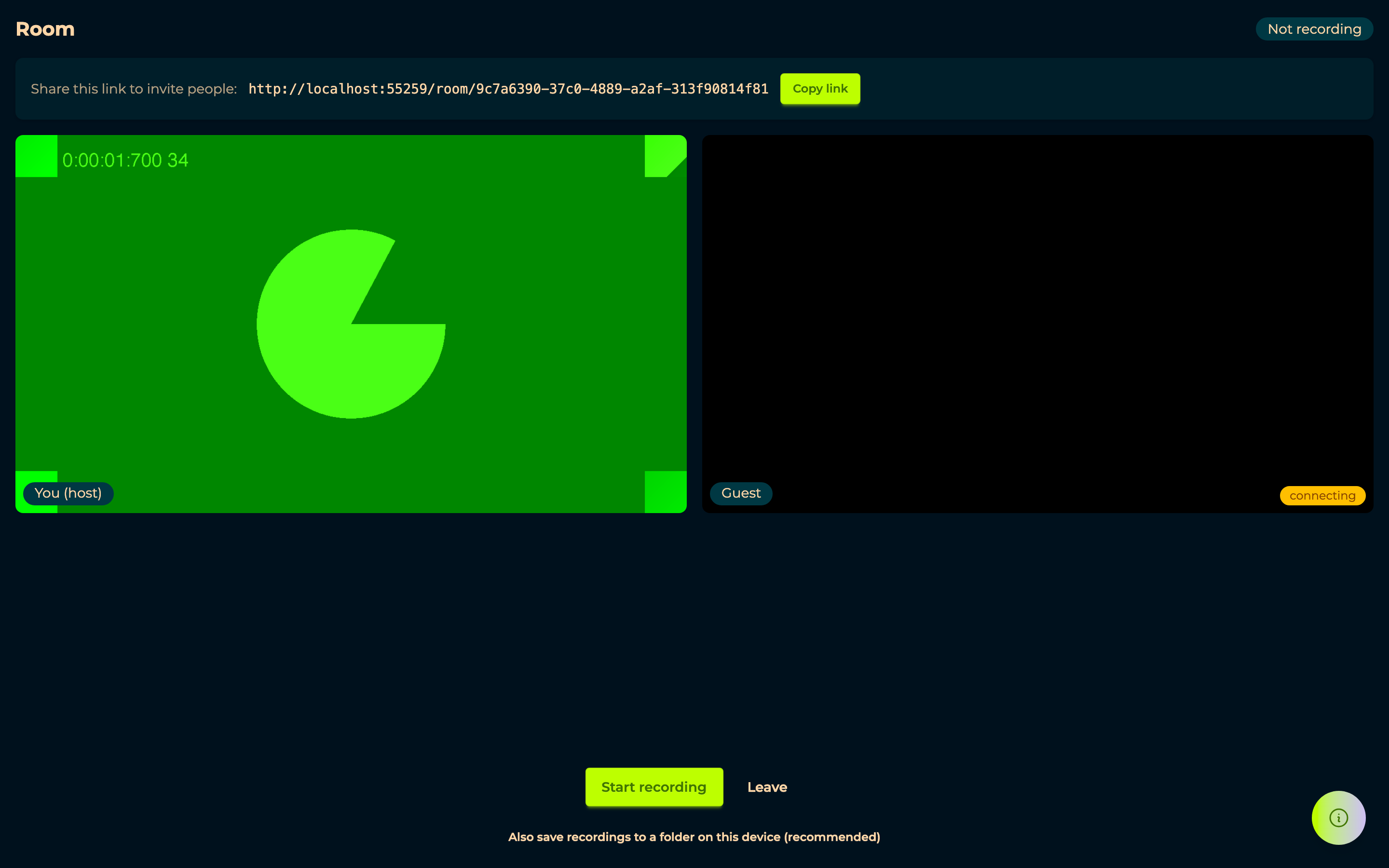
Underneath it, the part that matters more than the feature: recordings upload as they happen, in Rooms and Forms alike, with an optional backup folder on your own device. A crashed browser or a dead connection no longer costs the whole take. Rooms is still being built, and is switched on per account.
→ Rooms
28 July 2026 — A simpler way to assemble
Not every episode needs a timeline. New simple mix gives you an ordered playlist instead: drop files in, drag to reorder, remove one, done.
The full editor is unchanged and still there under New mix, and a mix keeps whichever editor it was created with.
→ Mixroom
26 July 2026 — spOken became a podcast host
A collection can be a real podcast: an RSS feed you submit once to
Apple Podcasts, Spotify and the rest, carrying per-episode metadata, seasons, episode numbers and
itunes:explicit.
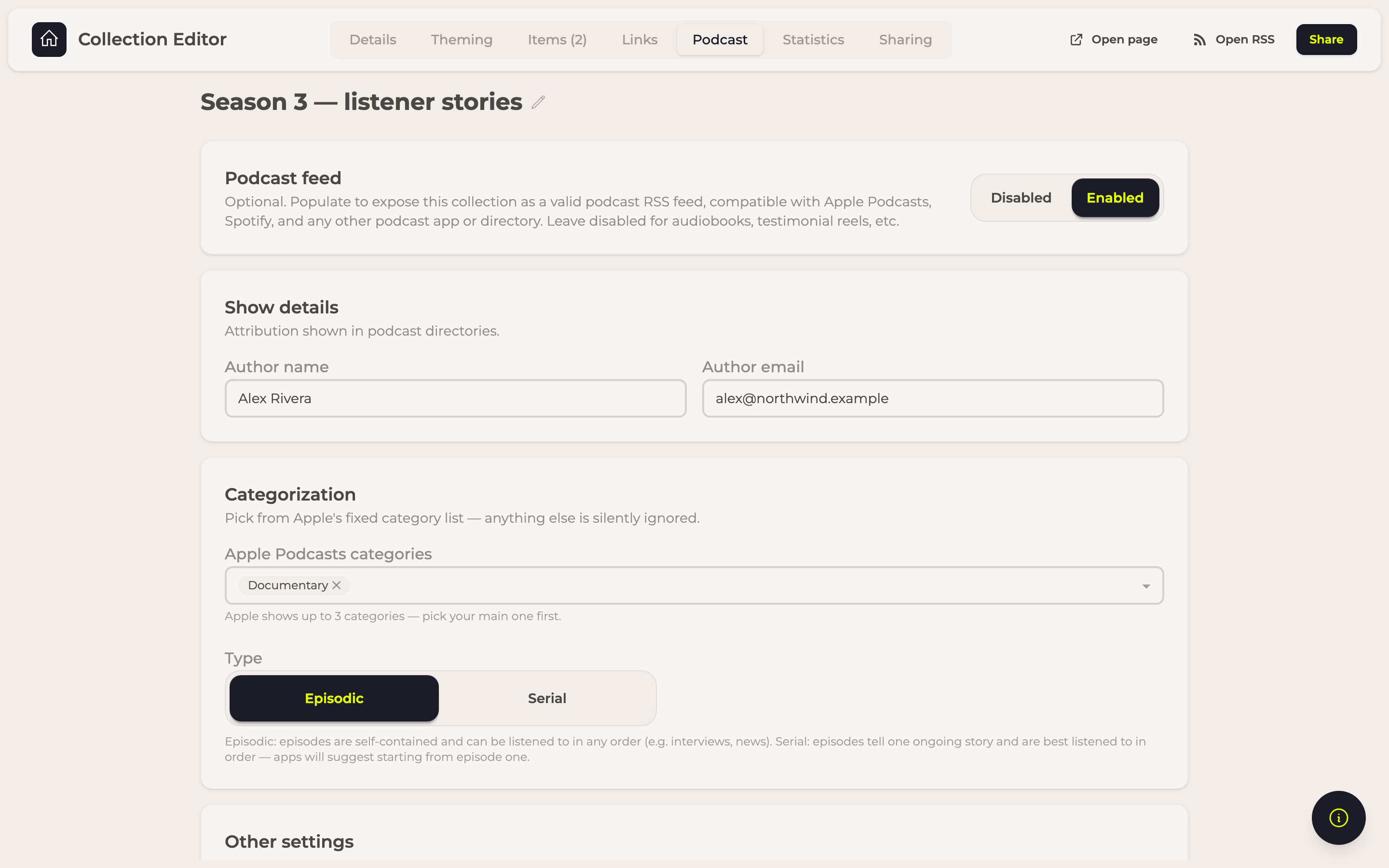
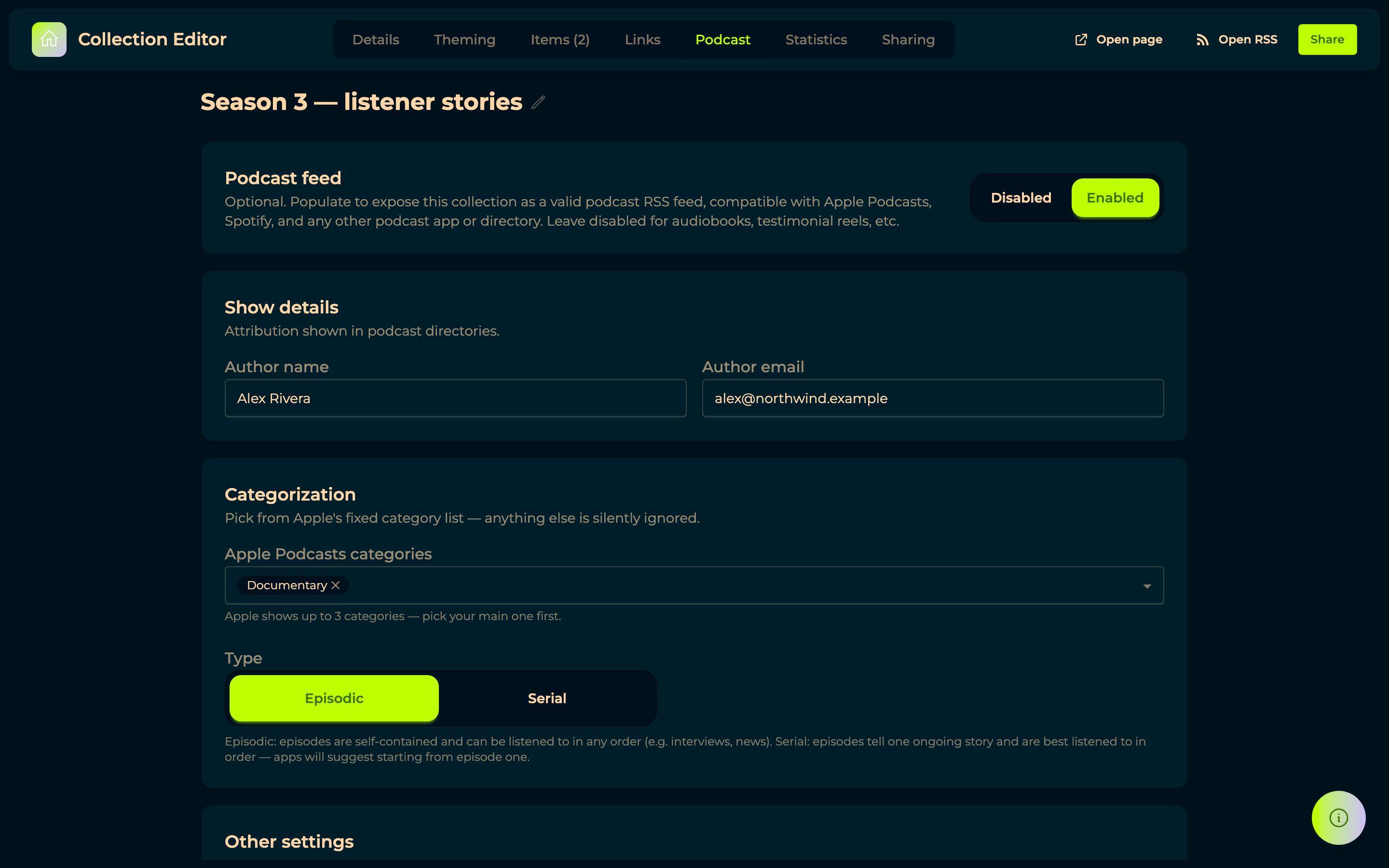
The builder checks your show against Apple Podcasts' requirements and says what is missing, before a directory rejects the feed rather than after. Import from an RSS feed brings an existing show across in one step instead of re-uploading a back catalogue. Episodes can exist as drafts before they go public, and the show and each episode get a public page — which a domain of your own can serve instead of ours.


→ The published show · Collections
24 July 2026 — Bring your Rumble Studio material across
A self-service importer for anyone arriving from Rumble Studio: sign in, pick a folder on your machine, and pull your interviews down. Branding kits, jingles, mixes and guest email addresses each got their own step.


22 July 2026 — Say it in your own voice
Media steps gained a host message: a recording of yours — audio, video or an image — that plays on the step before the respondent answers.
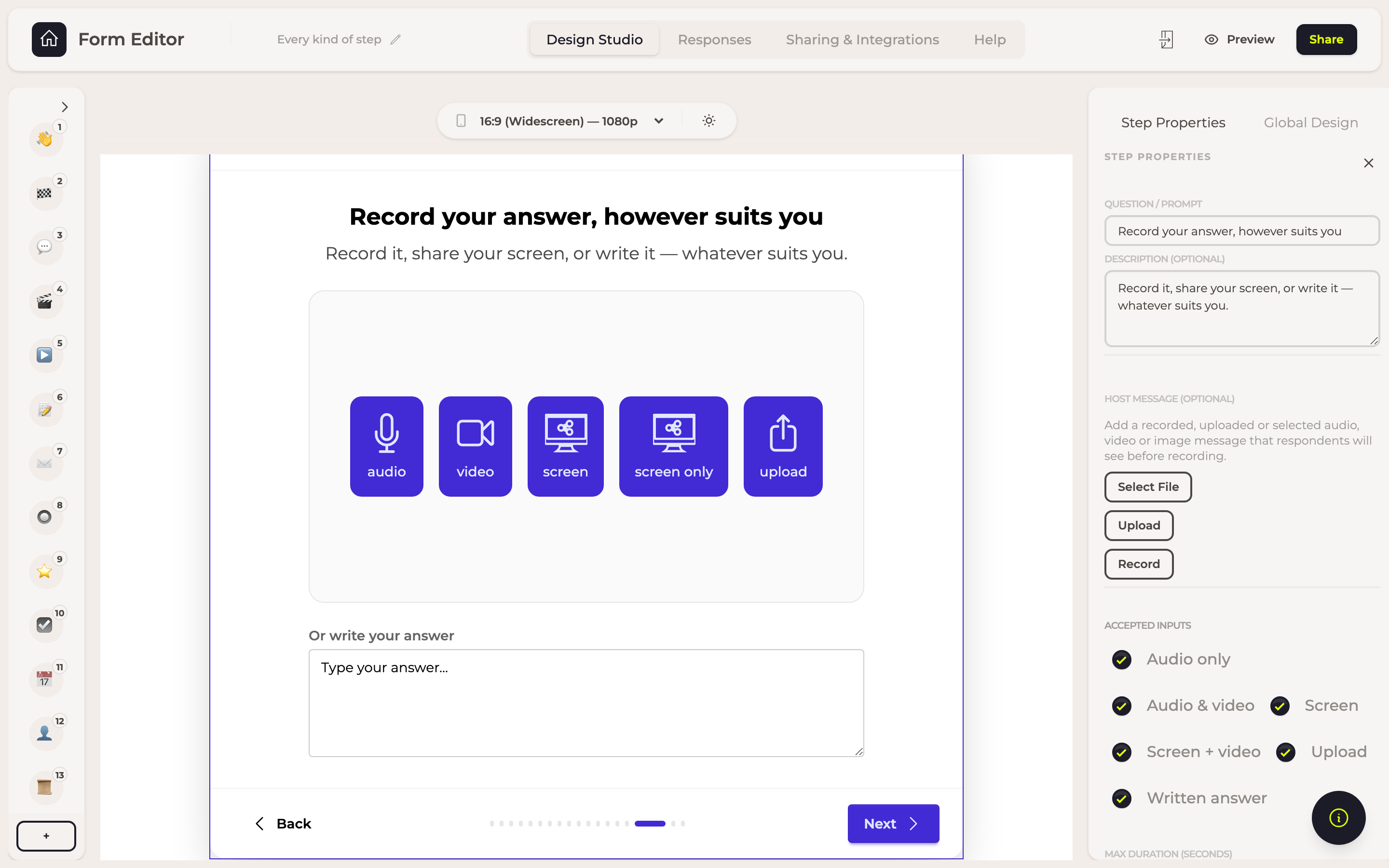
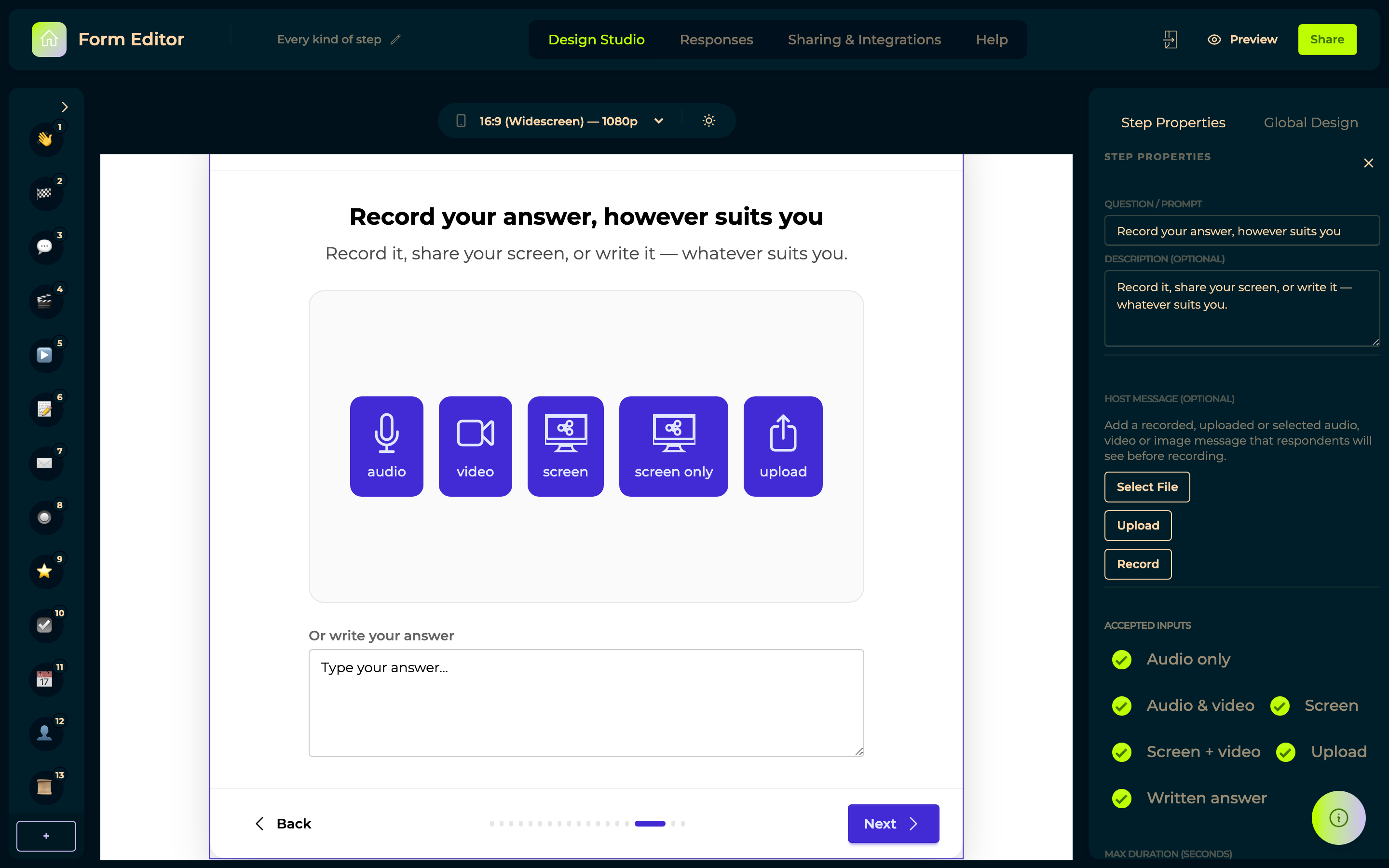
Written instructions get skimmed. Your voice explaining what you are after is the closest thing to being in the room, and guests answer better questions better. The same release brought an inline player, so audio and video play where they sit instead of opening somewhere else.
16 June 2026 — The player and recorder, rebuilt
A month of work on the part respondents actually touch: one recorder behind every recording step, a shared player, a floating video player, a playbar over the Responses table, and a redesigned seek bar.
4 June 2026 — Building a form got quicker
Keyboard shortcuts for next and previous step, history navigation, preview from the step you are on, an insert button between steps, and the first closing screen.


→ Forms
6 May 2026 — Forms open to the world
A form can be opened by anyone holding the link, with no account needed. The advanced media recorder arrived in the same release — one step accepting audio, video, screen or an upload.
→ Forms · Advanced media recorder
20 April 2026 — Answers became mix material
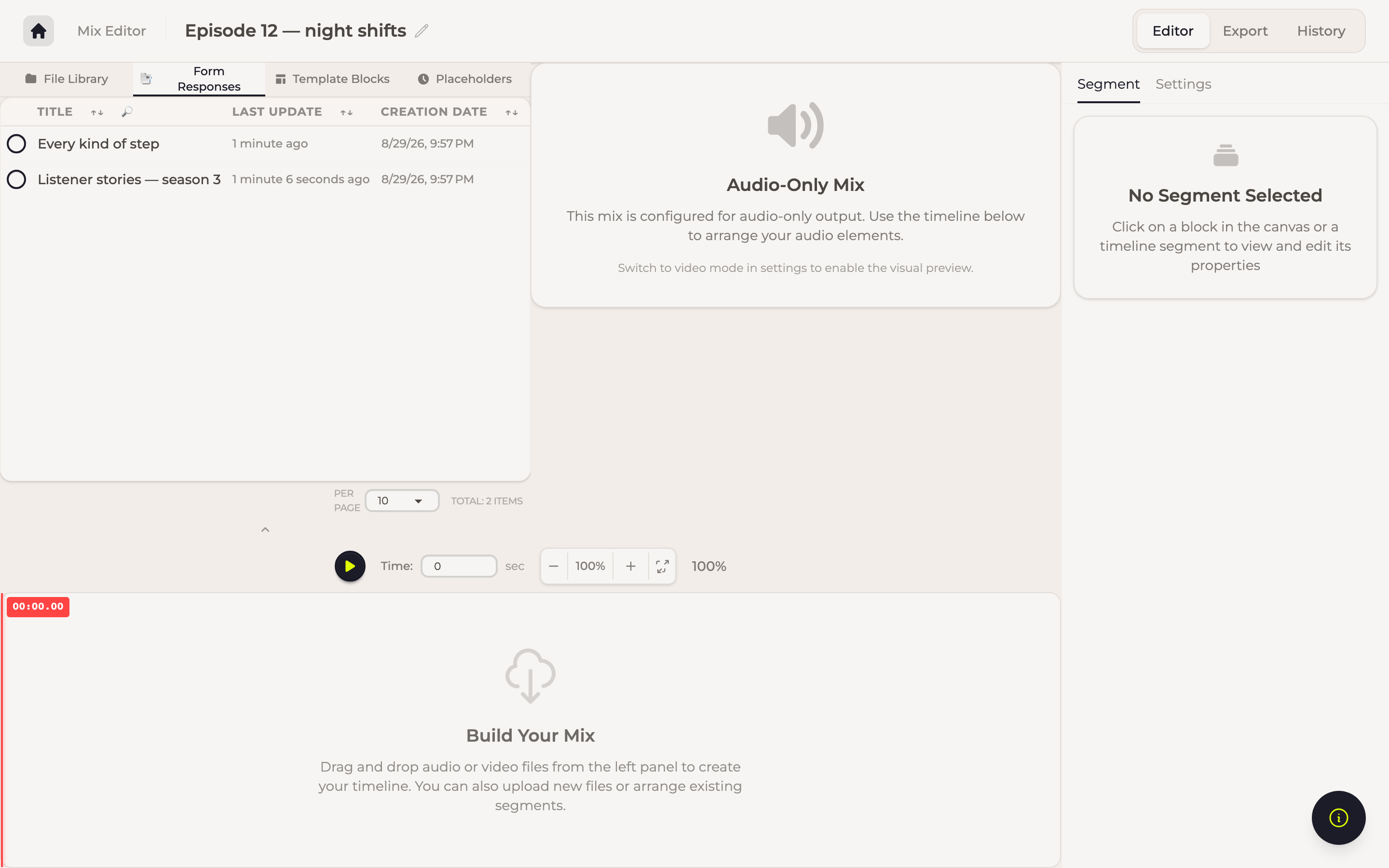
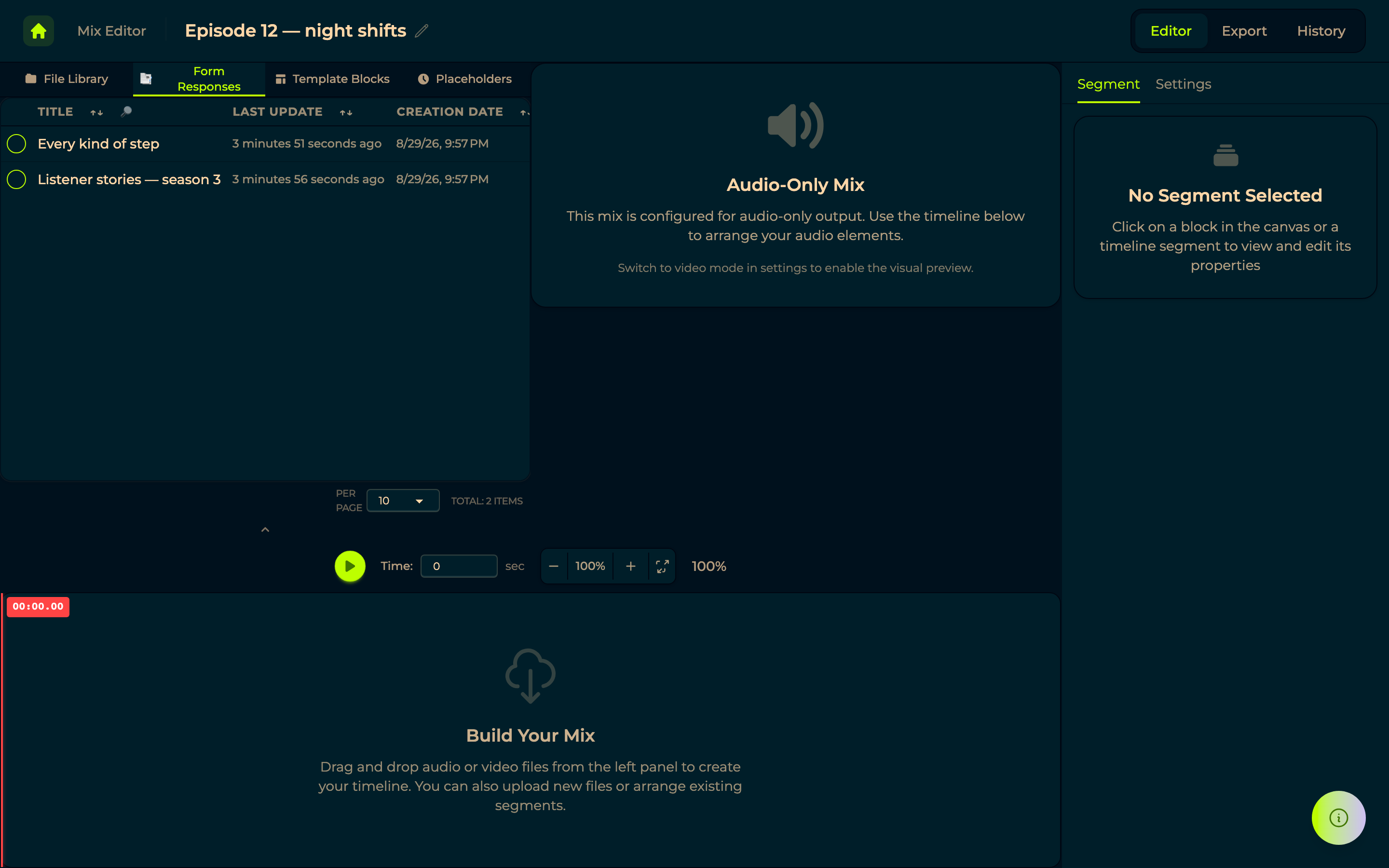
A response holding a file can be dragged straight onto a mix timeline, which is what connects collecting to producing.
→ Mixroom
14 January 2026 — More kinds of step, and somewhere to read the answers
New step types including YouTube and image display, a response table that builds its columns from the form's own steps, export to Word with images included, and the first link from a form to a mix.
→ Step types · Responses
9 January 2026 — Answers that survive a closed tab
Answers are saved as they are given and reloaded when the respondent comes back, and every step got real validation rather than each kind inventing its own. This is the behaviour the whole product now leans on: a form filled over a week, on a phone, on a bad connection, does not lose what was already answered.
5 January 2026 — Forms take your colours
A form takes a background colour of its own, and your design system's colours are applied as it loads, so it is never briefly the wrong colour.
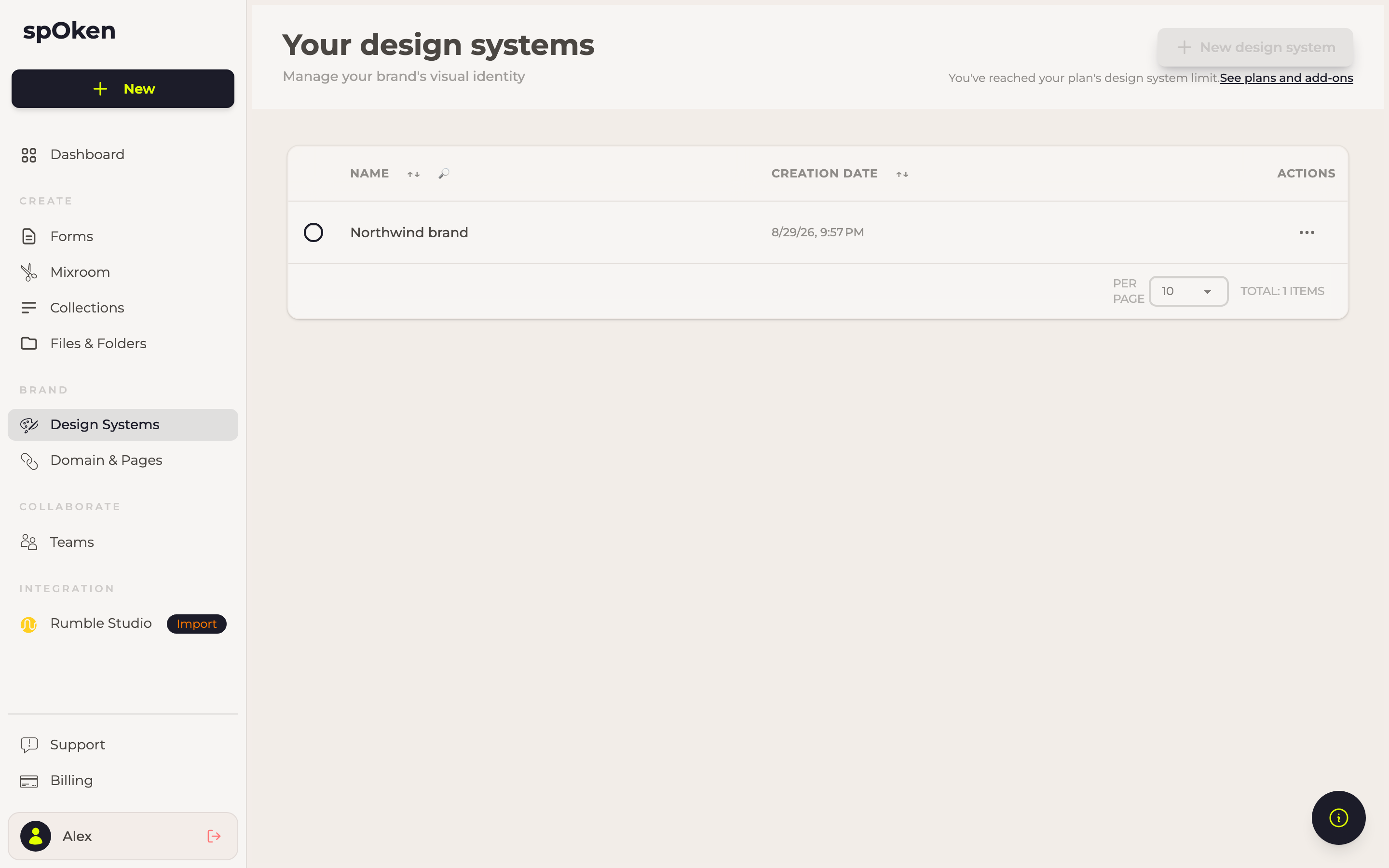
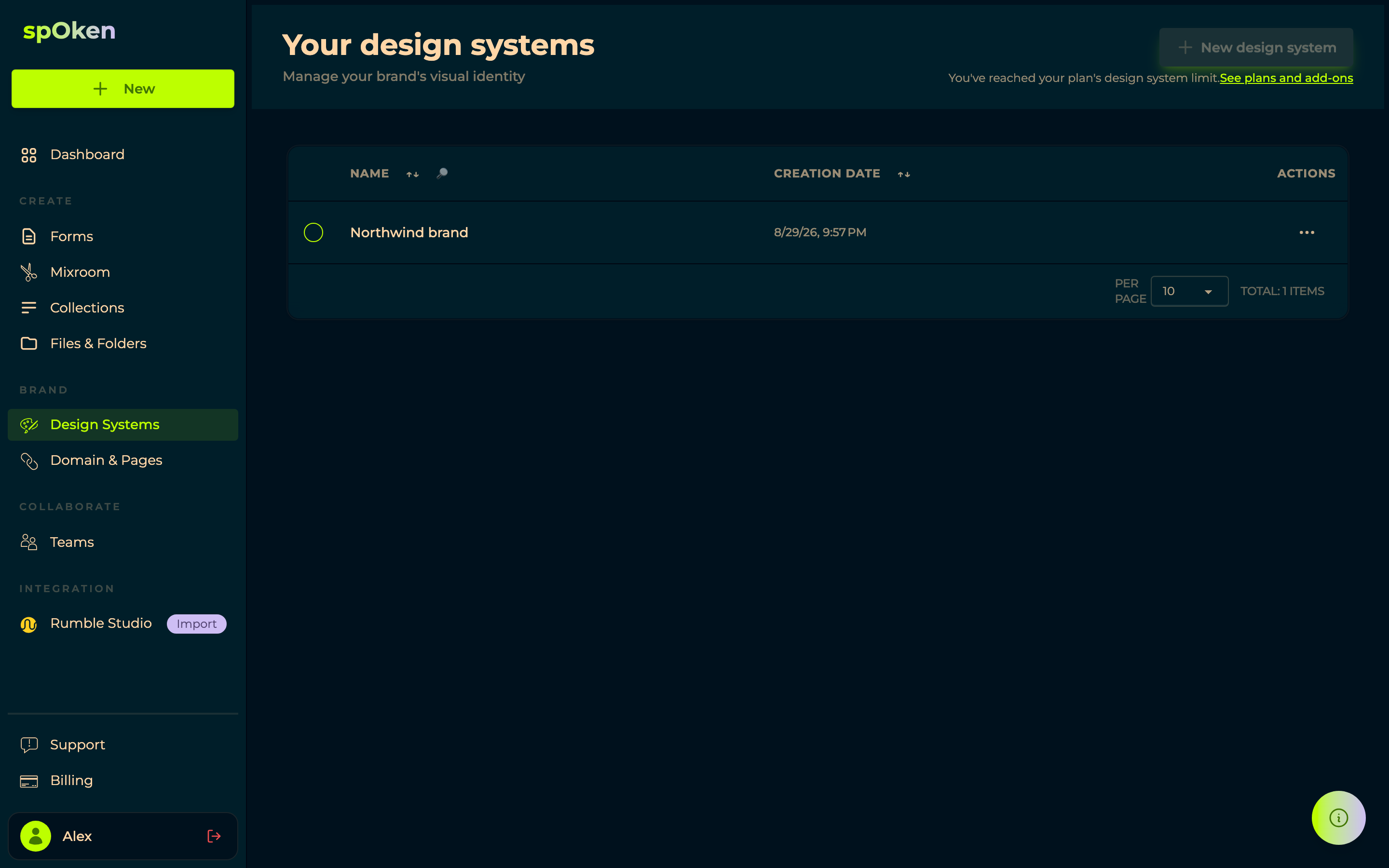
→ Design systems · Forms
1 January 2026 — Forms begin
Work started on forms, taking the saving approach proven by interviews and rebuilding the rest around it, with a progress indicator and steps that behave as real form controls. Forms superseded interviews through the first half of the year, and by June the recorder and player had been rebuilt on top of them. Interviews are still reachable for the accounts that had them, behind a flag, but new work happens in forms.
→ Forms · Step types
27 July 2025 — Publish it at your own address
Pages arrived: a page points at something you made — a collection, a form, a file, an RSS feed — and gives it a public address.


Choose the target, pick a domain and a URL pattern such as /for-bob, and copy the link. Open Graph
fields decide how it looks when someone shares it. Paired with a
domain you own, this is what puts your show on your own name rather
than ours.
16 July 2025 — Working with other people
Teams arrived, and with them sharing as spOken still does it: a team, its members, and a sharing dialog covering design systems, mixes, interviews and files.
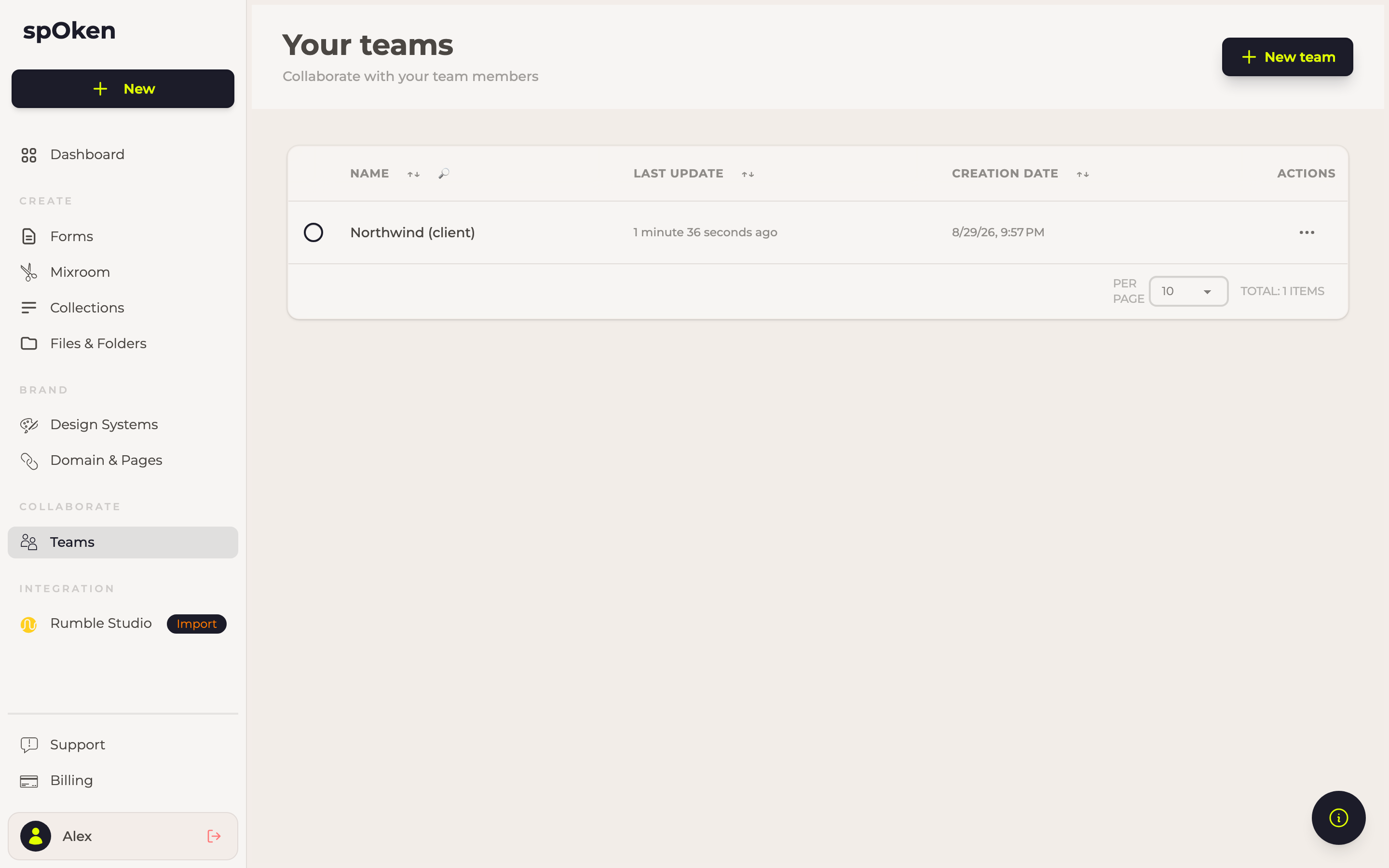
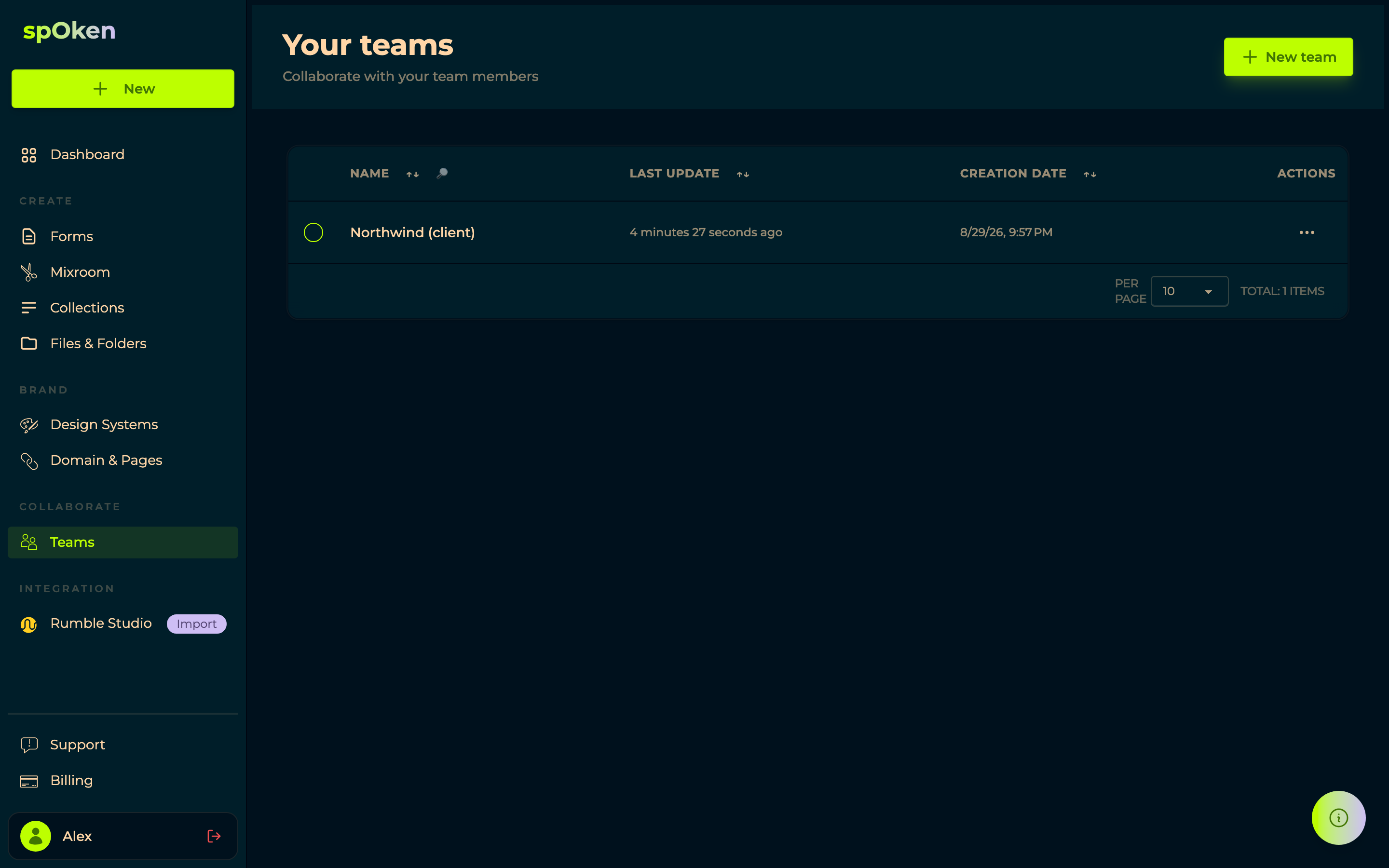
Worth knowing, because it still catches people out: membership and ownership are different things, and owning a team does not put you in it. Creating one adds its owner as an admin.
→ Teams · Sharing a form
6 June 2025 — The Mixroom begins
Work started on mixes: the place where the pieces you collect become an episode, built as a timeline with silence and image blocks, and an export two days later — the first time a mix left spOken as a file.
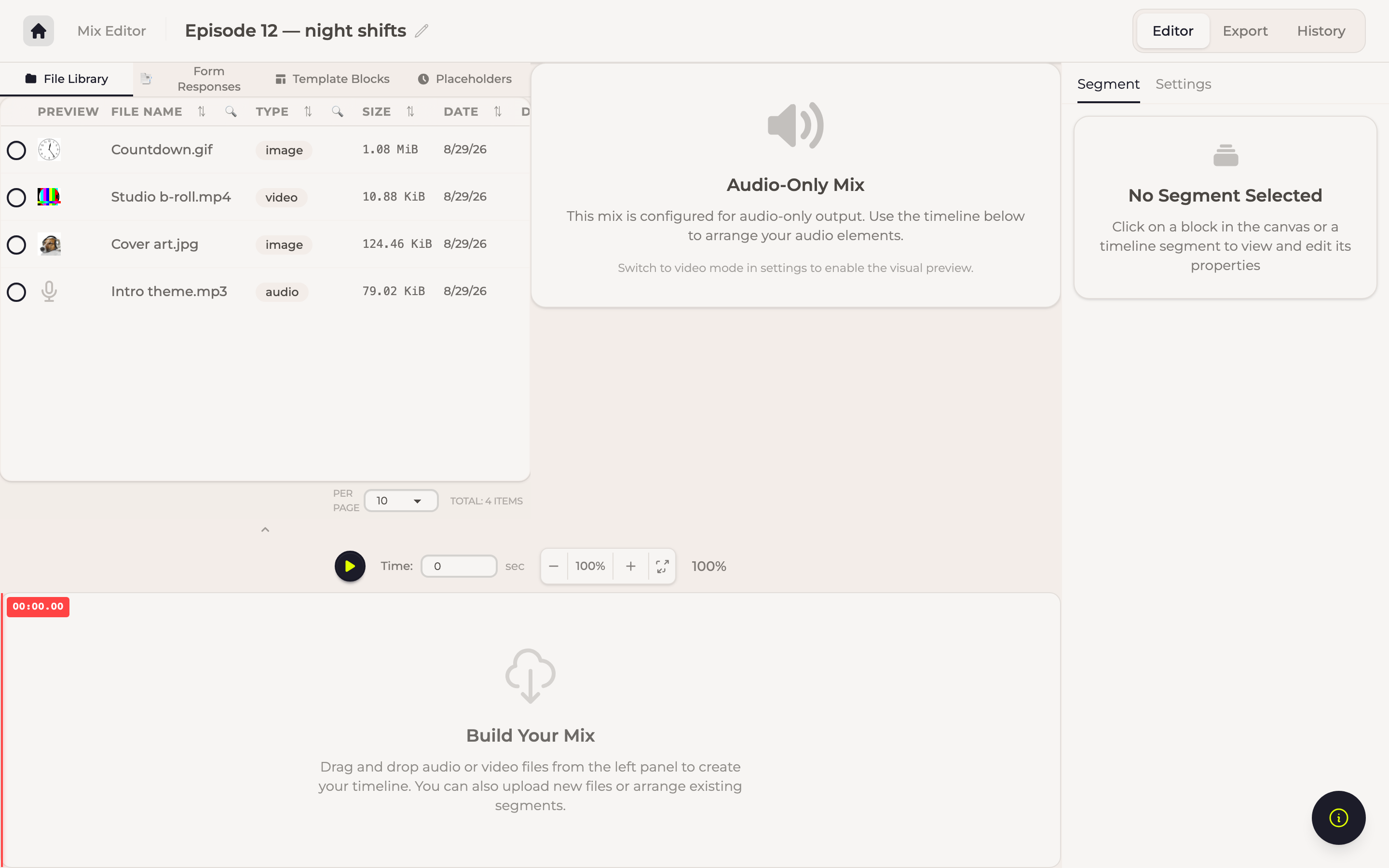
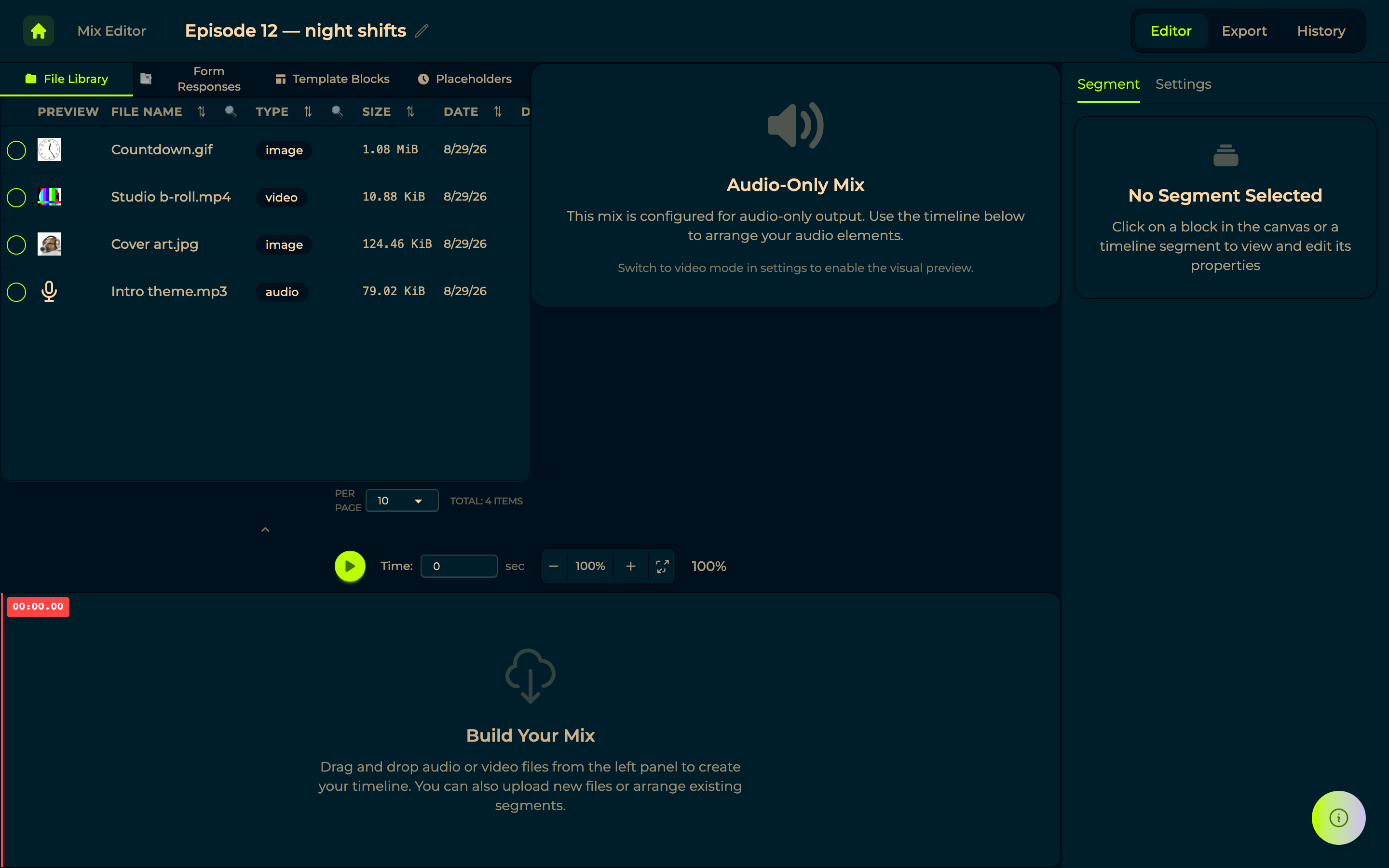
Everything since has been built on that shape, including the simple editor added a year later for when a playlist is all you need.
→ Mixroom
30 May 2025 — Your own domain
Forms and published pages can be served from a domain you own instead of a spOken address.
Point a CNAME at us and the certificate is issued automatically — nothing to buy, nothing to renew. A TXT record proves the domain is yours before it can be used, so nobody else can point your name at their account.
30 March 2025 — The first AppSumo customers
The first wave of people arrived from AppSumo, buying a lifetime deal on Rumble Studio. They are the reason much of what follows exists. Their deals moved with them when spOken replaced Rumble Studio, keeping the plan they had bought — so a lifetime deal shows what it includes and never asks to be renewed. The Rumble Studio importer was built for the same reason: material should travel with the person who made it.
→ Billing
8 June 2024 — Files got folders
The file library grew the shape it still has: ordering, filtering and folders, with addresses that point at a specific folder or file so a link opens where you meant it to.