Rooms
Work in progress
Rooms is still being built. What follows describes where it is heading and what already works; expect the screens and the wording to move, and don't build a workflow on it yet.
At spoken.systems/host/dashboard/rooms/new.
Rooms appears in the left menu only once the feature is switched on for your account — while it is being built, most accounts do not have it. Ask if you would like it enabled.
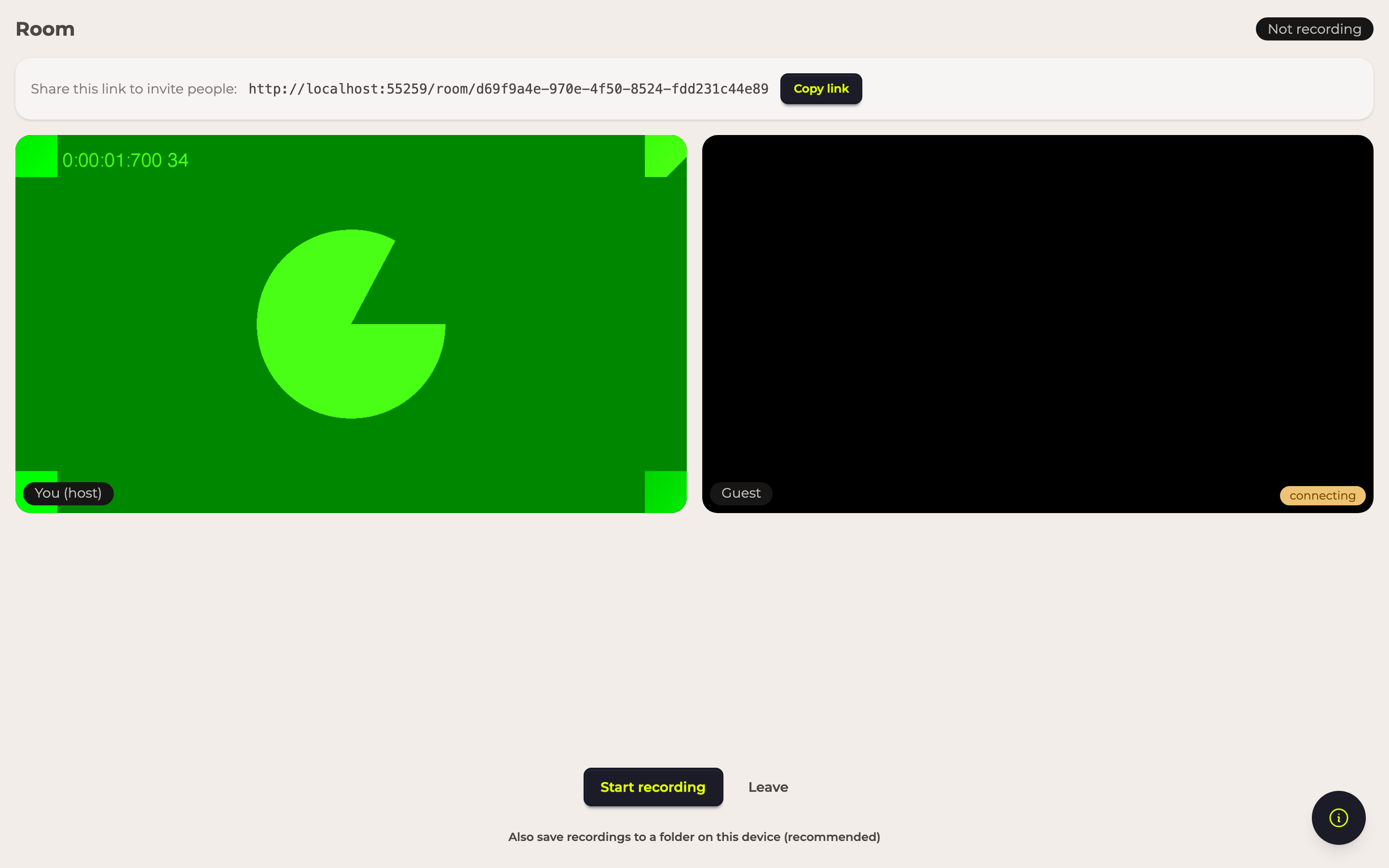
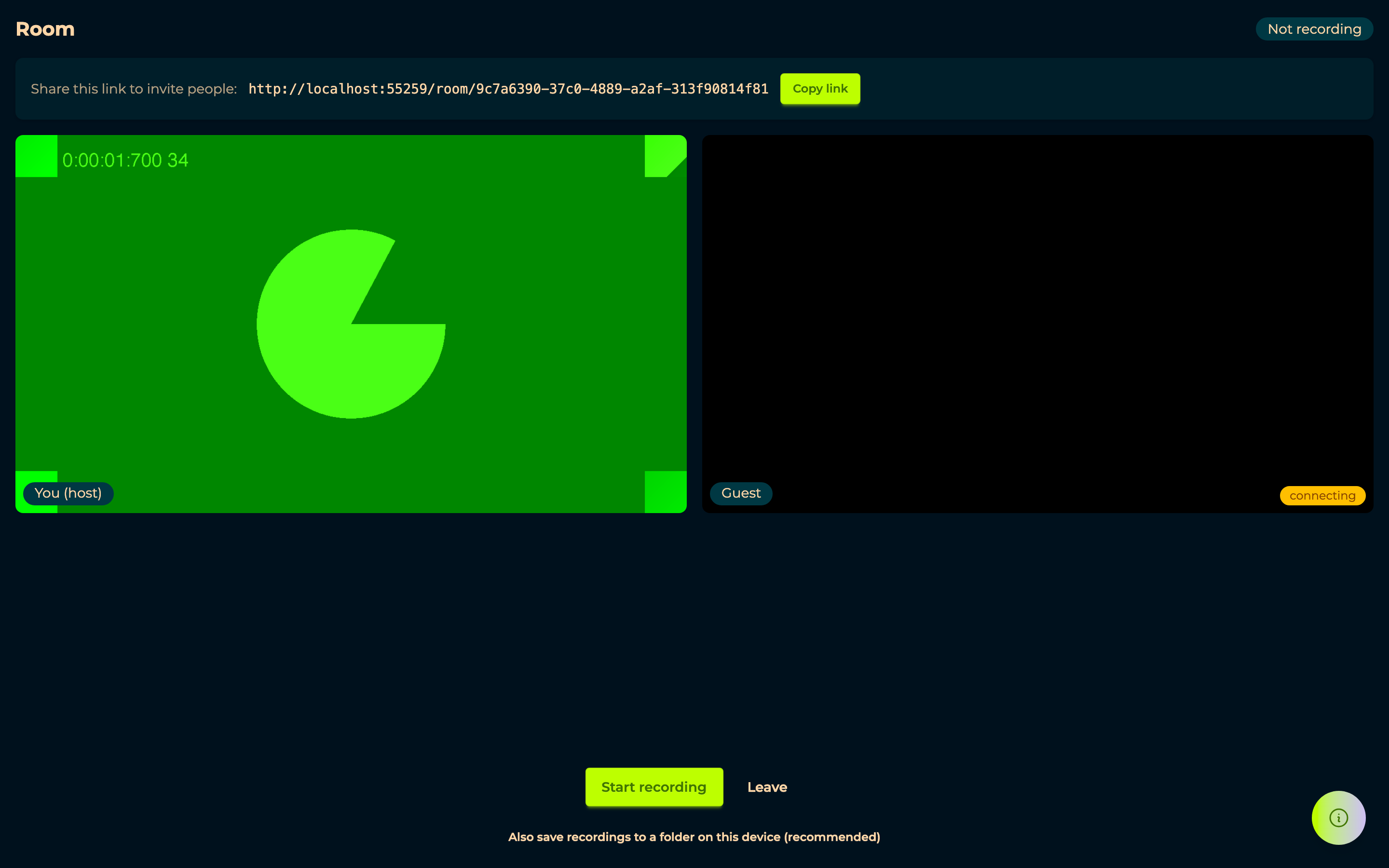
A room is the live counterpart to a form. Where a form collects answers whenever each person gets round to it, a room is for recording together, at the same time — you and a guest, in the browser, without installing anything or scheduling a call through a third tool.
The intent is that a room produces the same material a form does: recordings that land in your account, ready to be assembled in the Mixroom and published like anything else. What changes is only how they were captured.
Because it is unfinished, the menu entry takes you straight to creating one rather than to a list of rooms you have had.
In the room
Share this link to invite people with Copy link is how a guest joins — they open it in a browser, with no account and nothing to install, exactly like a form. The tiles show who is there, marked You (host) and Guest.
Start recording begins; the indicator switches from Not recording to Recording, and Stop recording ends it. Leave leaves the room.
If a recording is interrupted
A recording is saved to your device as it happens, and Also saving to your device says so while it runs. If the tab closes or the connection dies before the upload finishes, the room offers Recover recording the next time you come back — most of it can usually be salvaged. Ignore discards it.
This is the part worth telling a guest about: a crashed browser is not automatically a lost interview.