Video Recording
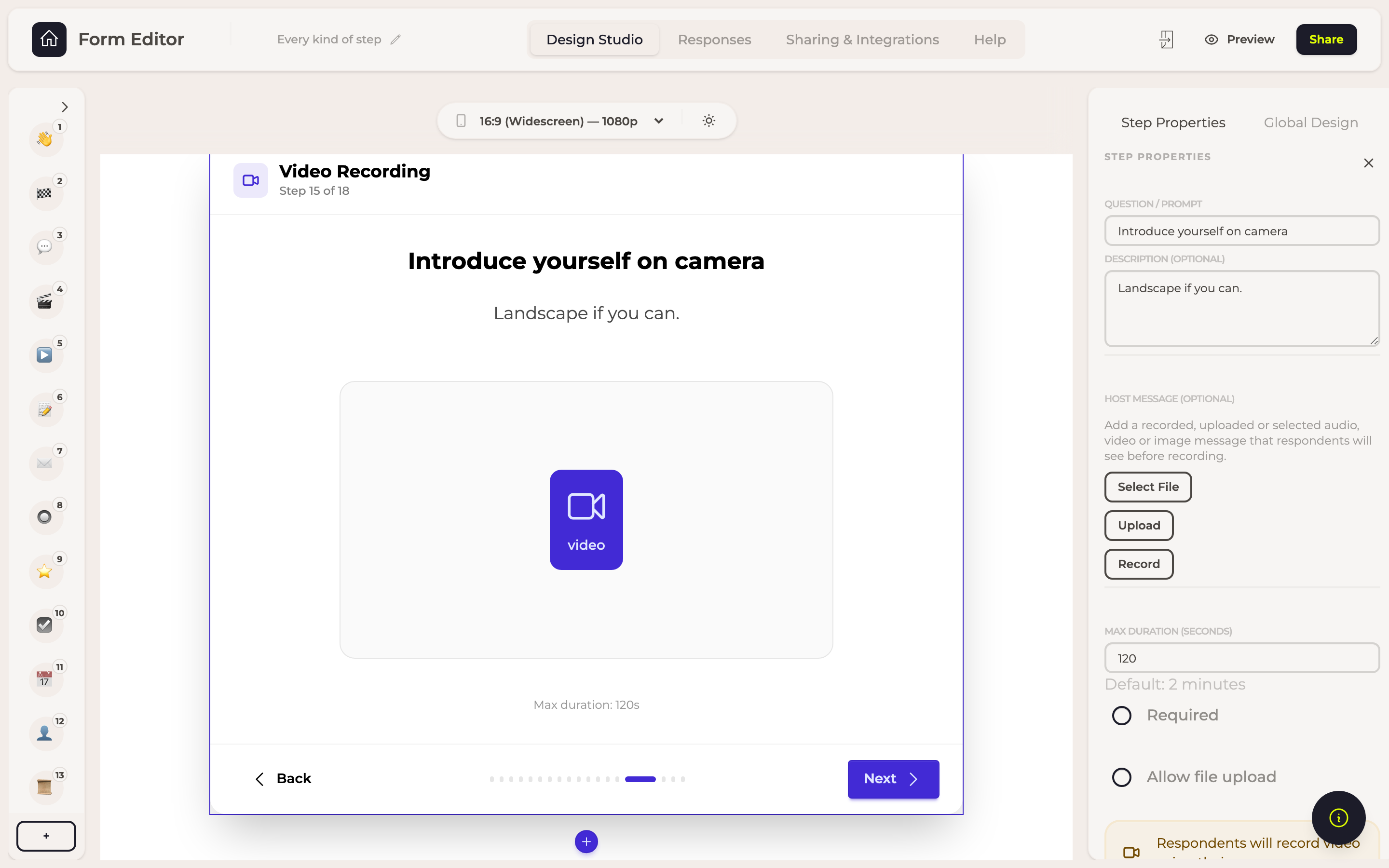
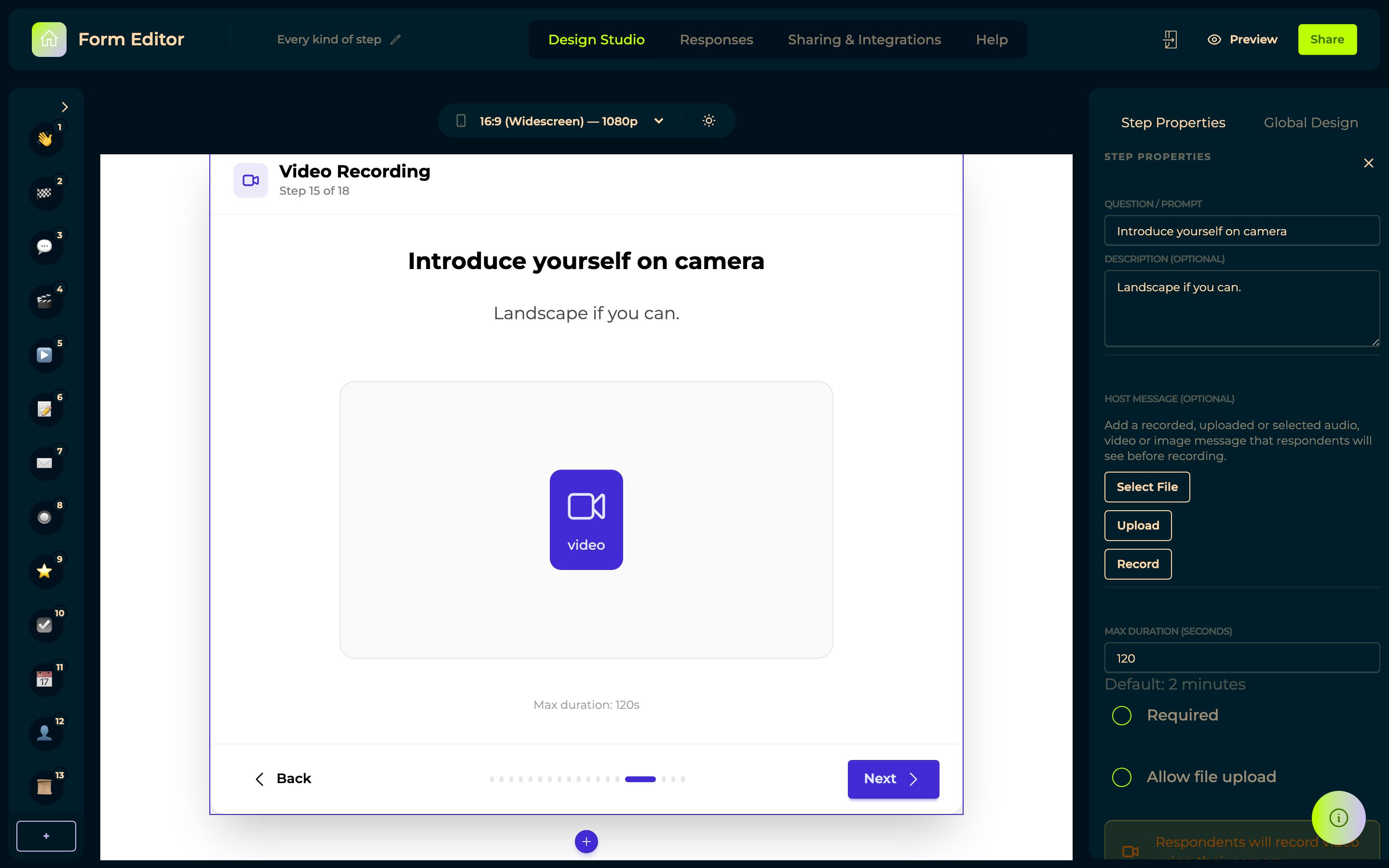
The same as an audio recording, with the camera on.
Options
| Setting | What it does |
|---|---|
| Question, Description | What you ask for. |
| Maximum duration | In seconds. |
| Required | They cannot move on without answering. |
| Allow file upload | Let them send a video they already have instead of recording one now. |
A message before they record
Host message puts something of yours on the step, shown to the respondent above where they answer: Record one there and then, Upload a file, or Select File from your files. Audio, video or an image. Remove host message clears it.
This is how you ask the question as yourself rather than in writing — your own face or voice introducing what you are after, on the same step where they reply. For an interview it changes who the respondent thinks they are talking to, and guests answer a person better than they answer a text field.
In responses
The recording, playable in the row.